How to Build a BuddyBoss or BuddyPress Community Around Your Paid Newsletter or Subscription
Learn how to build a BuddyBoss or BuddyPress community around your paid newsletter to increase subscriber retention and grow recurring revenue.
You run a paid newsletter or subscription that delivers great content. But subscriber churn keeps eating your growth. Subscribers read an issue or two, get value in the moment, and then quietly cancel when life gets busy or the next billing date arrives. The content is good but the subscription does not feel sticky enough to justify a recurring payment month after month.
The missing layer is community. A private BuddyBoss BuddyPress paid newsletter community gives your subscribers a space where they connect with each other, discuss newsletter content, and build relationships that make cancelling feel like leaving something valuable behind. This post explains exactly how to build that community layer and make it work — so your newsletter stops being a content product people consume alone and becomes a living community people belong to.
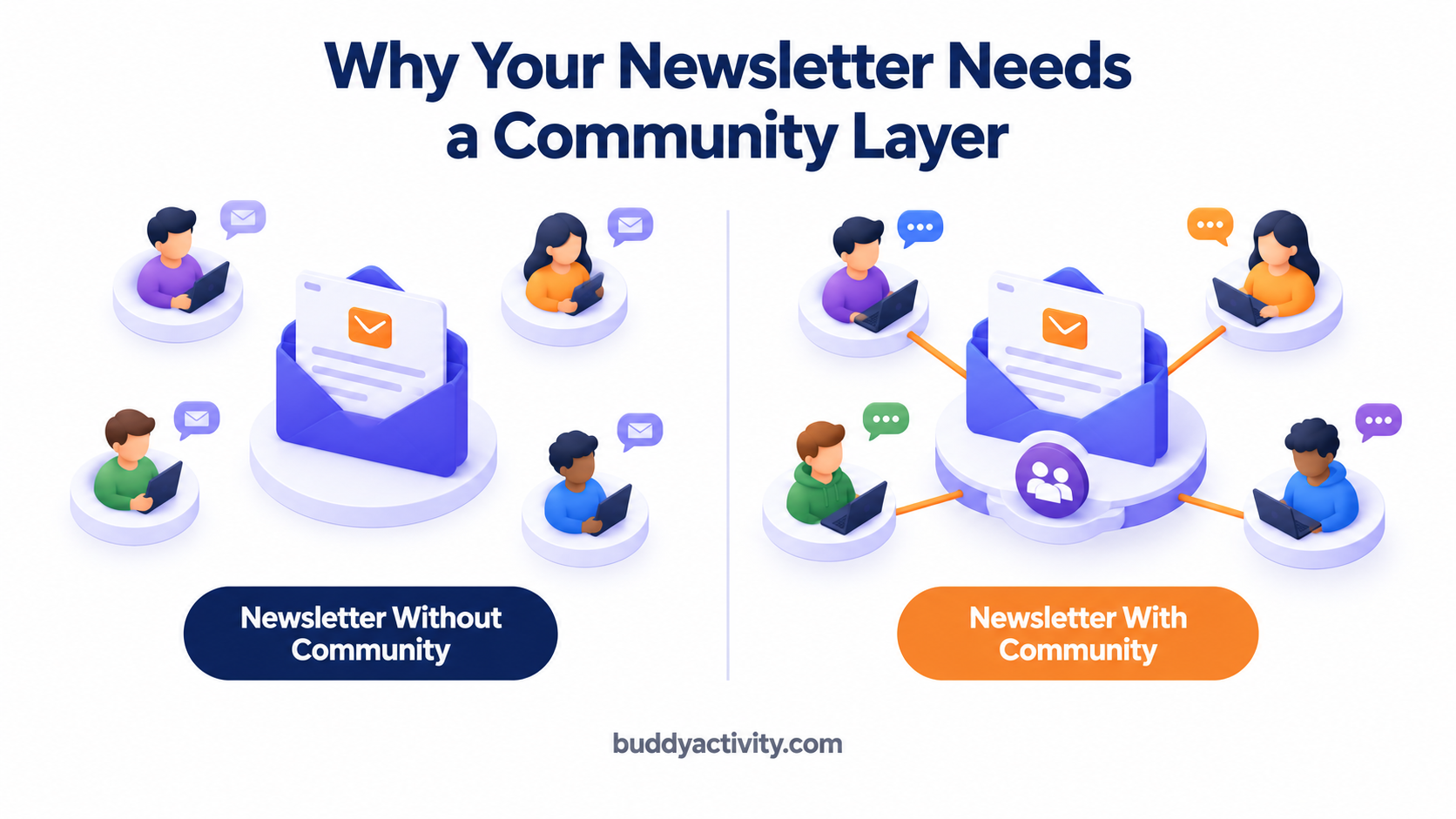
Why Paid Newsletters Struggle With Retention — And How Community Fixes It
The core retention problem with newsletters is structural. Subscribers consume content passively and alone. They read an issue, get value in the moment, and move on. There is no relationship with other subscribers, no ongoing conversation, and no reason to stay subscribed when the next billing date arrives and the inbox is already full.
Community changes this dynamic completely. When subscribers have relationships with other subscribers inside a private BuddyBoss or BuddyPress community, they are no longer cancelling a newsletter. They are leaving a group of people they know and value. That social cost dramatically reduces churn. Subscribers who feel connected to a community will tolerate a billing hiccup, a slow content month, or a busy period in their own life — because the community is still there when they come back. For the full system on identifying and fixing the patterns that drive subscribers away, read our guide on how to reduce member churn in your BuddyBoss or BuddyPress community.
Why BuddyBoss and BuddyPress Are the Best Platforms for Newsletter Communities
Serious newsletter creators choose BuddyBoss and BuddyPress over Slack, Discord, or Facebook Groups for clear reasons. You get full ownership of subscriber data — no platform owns your audience. You get a professional branded experience that matches the quality of your newsletter. There are no distracting algorithms or competing content pulling your subscribers' attention away. And you have complete control over the community environment, from access rules to visual design.
The key distinction between the two platforms comes down to your situation. BuddyBoss is the better choice for newsletter creators who want a polished out-of-the-box experience with minimal technical setup. BuddyPress is better for those who want maximum flexibility and customization. Both integrate with membership plugins like MemberPress to handle paid access control seamlessly — so only paying subscribers can enter the community. For the full system on building a paid access structure that works, read our guide on how to build a membership site with BuddyBoss or BuddyPress that people actually pay for.
How to Structure Your Newsletter Community on BuddyBoss or BuddyPress
The structure of your newsletter community determines whether subscribers participate or lurk. A well-structured community gives every subscriber an obvious place to engage and a reason to come back. Here are the three structural decisions that matter most.
Create Groups Aligned to Newsletter Topics
The most effective newsletter communities have focused groups aligned to the main topics the newsletter covers rather than one large general discussion group. Each issue can have its own discussion thread or each major topic area can have a dedicated group where subscribers who care most about that topic congregate. This creates deeper discussions and stronger subscriber-to-subscriber connections than a single catch-all community space. Subscribers who find their niche within the community are far more likely to return regularly.
Turn Every Newsletter Issue Into a Community Discussion
Every newsletter issue should be accompanied by a community post that invites subscribers to discuss the key ideas — a specific question, a poll, or a challenge related to the issue content. This transforms passive newsletter consumption into active community participation and gives subscribers a reason to visit the community every time a new issue drops. Subscribers who discuss issues retain information better and feel more connected to the subscription value. The discussion post should go live the moment the newsletter lands in inboxes so the conversation starts while the content is fresh.
Create Subscriber-Only Content That Lives in the Community
The most successful newsletter communities offer exclusive content that only exists inside the community — bonus issues, behind-the-scenes content, early access to new topics, and member-only resources. This makes the community an essential part of the subscription value rather than an optional add-on. Subscribers who rely on community-exclusive content have a concrete reason to stay subscribed that goes beyond the newsletter itself. When the community is the only place to get certain value, cancelling means losing access to things they cannot get anywhere else.
How to Keep Your Newsletter Community Active Between Issues
The biggest challenge for newsletter community owners is maintaining engagement between issue releases. When there is no new issue, subscribers have no automatic reason to visit the community. The feed goes quiet, and a quiet community signals that participation is not what happens here.
The practical solution is a consistent daily engagement rhythm that keeps the community active regardless of the newsletter publishing schedule. This includes daily discussion prompts, subscriber spotlight posts, weekly challenges, and resource shares relevant to the newsletter topic. But maintaining this rhythm manually every single day while also writing a newsletter is not sustainable for most creators. This is where BuddyActivity helps — it automates posts, comments, and replies inside BuddyBoss and BuddyPress communities, keeping the feed consistently active between newsletter issues so subscribers always have a reason to visit even when no new issue has dropped. The automated activity creates the momentum that makes real engagement possible.
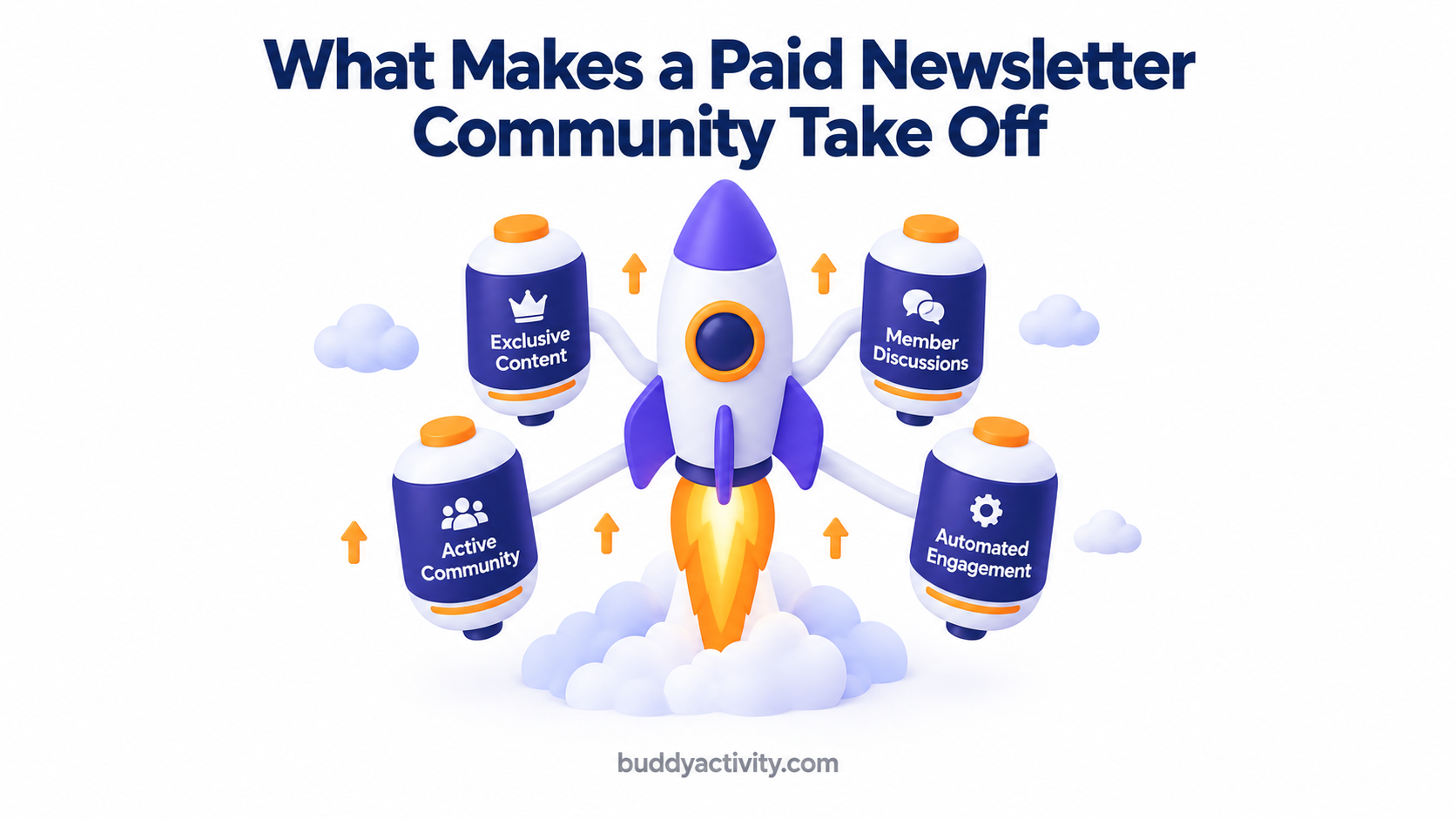
How to Price and Position Your Newsletter Community
There are three practical pricing options for newsletter creators adding a community layer. You can bundle community access with the existing newsletter subscription at a higher price point. You can offer community as a premium tier above the newsletter-only tier. Or you can use community access as the primary offer with the newsletter as a benefit.
The key insight is that community access commands a premium over newsletter-only access because it delivers ongoing interactive value rather than one-way content consumption. Subscribers who are active in the community are also significantly more likely to upgrade to higher tiers and refer other subscribers. An active, visible community is the most powerful social proof for potential newsletter subscribers — it shows that real people are paying for and engaging with your work. For the full system on leveraging community activity as proof that drives conversions, read our guide on how to build social proof in your BuddyBoss or BuddyPress community.
Getting Started — Your First 30 Days
The practical first 30 days plan for newsletter creators launching their community is straightforward but must be executed in order. Set up BuddyBoss or BuddyPress with private access so only paying subscribers can enter. Create 3 to 5 focused groups aligned to newsletter topics. Seed each group with 5 to 8 starter discussion posts before inviting subscribers so no one arrives to an empty space. Send a dedicated newsletter issue announcing the community launch and explaining the value. Welcome every subscriber who joins personally within 24 hours. And establish a daily engagement rhythm from day one.
The first 30 days are critical. Subscribers who participate in the community in their first month are dramatically more likely to stay subscribed long term. Treat the launch month as the most important period of your community's life — because it sets the pattern for everything that follows.
Frequently Asked Questions
Can I add a community to my paid newsletter on BuddyBoss?
Yes. BuddyBoss is one of the strongest platforms for adding a community layer to a paid newsletter. It offers private groups, member-only visibility, integration with membership plugins like MemberPress for paid access control, and a professional branded experience. Subscribers join the community automatically when they subscribe to the newsletter, creating a seamless experience.
How does a community help reduce newsletter subscriber churn?
A community gives subscribers relationships with each other that go beyond the newsletter content. When subscribers have connections inside a private community, cancelling means leaving people they know and value — not just unsubscribing from an email. That social cost dramatically reduces churn. Subscribers who are active in the community stay subscribed at significantly higher rates than subscribers who only receive the newsletter.
Should I charge extra for community access on top of my newsletter?
It depends on your model. You can bundle community access with the newsletter at a higher price point, offer community as a premium tier, or include community access with every subscription to maximize retention. Community access commands a premium because it delivers ongoing interactive value. The most common approach is a two-tier model — newsletter-only at a lower price and newsletter plus community at a higher price.
Can BuddyActivity help keep my newsletter community active?
Yes. BuddyActivity automates posts, comments, and replies inside BuddyBoss and BuddyPress communities, keeping the feed consistently active between newsletter issues. This is especially valuable for newsletter creators who publish weekly or monthly and need the community to stay alive during the gaps. The automated activity maintains momentum so subscribers always have a reason to visit, even when no new issue has dropped.
Was this article helpful?
Get fresh community insights in your inbox
Practical guides on growing engaged BuddyPress & BuddyBoss communities. No spam.
Keep reading
Browse all articles
How to Build a Membership Site With BuddyBoss or BuddyPress That People Actually Pay For
Learn how to build a BuddyBoss or BuddyPress membership site that members actually pay for — with the right community foundation, engagement, and retention strategy.
Read article
How to Reduce Member Churn in Your BuddyBoss or BuddyPress Community
Losing members from your BuddyBoss or BuddyPress community? Discover 5 proven strategies to reduce member churn, boost retention, and keep your community growing.
Read article
How to Build Social Proof in Your BuddyBoss or BuddyPress Community
Learn how to build social proof in your BuddyBoss or BuddyPress community so new members trust it, join in, and stay engaged from day one.
Read article