Automation Guide

How to Automate Community Engagement in BuddyPress or BuddyBoss

Automate engagement with BuddyActivity by combining persona-driven participation, probabilistic decision logic, and time-distributed execution -- generating realistic discussion threads while you focus on the work only you can do.

Manual, AI, and hybrid
3 Automation modes
Activity, comment, reply, persona, engagement, timing
6 Engines
Every action scheduled and auditable
Queue-based
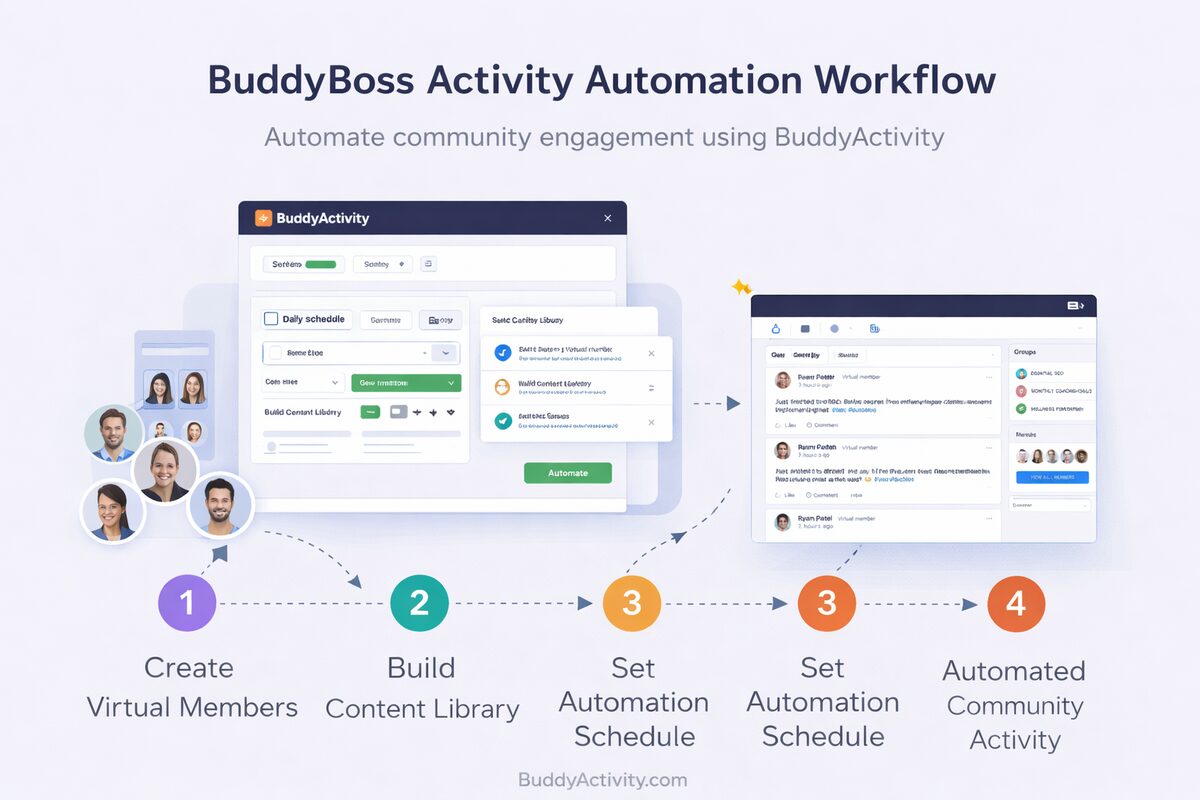
BuddyActivity end-to-end community engagement automation workflow

The Direct Answer

You can automate community engagement by using BuddyActivity, which combines persona-driven participation models, probabilistic decision logic, and time-distributed execution to generate realistic discussion threads automatically. BuddyActivity is an AI-powered engagement simulation engine for BuddyPress and BuddyBoss that simulates human-like community behavior using personas, engagement logic, and time-distributed execution.

Unlike simple posting tools, BuddyActivity simulates behavior, not just content. It uses six integrated engines -- Activity, Comment, Reply, Persona, Engagement, and Timing -- to generate complete discussion threads that look and feel like real human interaction.

  • Simulate behavior, not just publish content
  • Six engines validate every action
  • Choose Manual, AI or Hybrid automation modes
  • Schedule, review and audit through the Jobs Queue
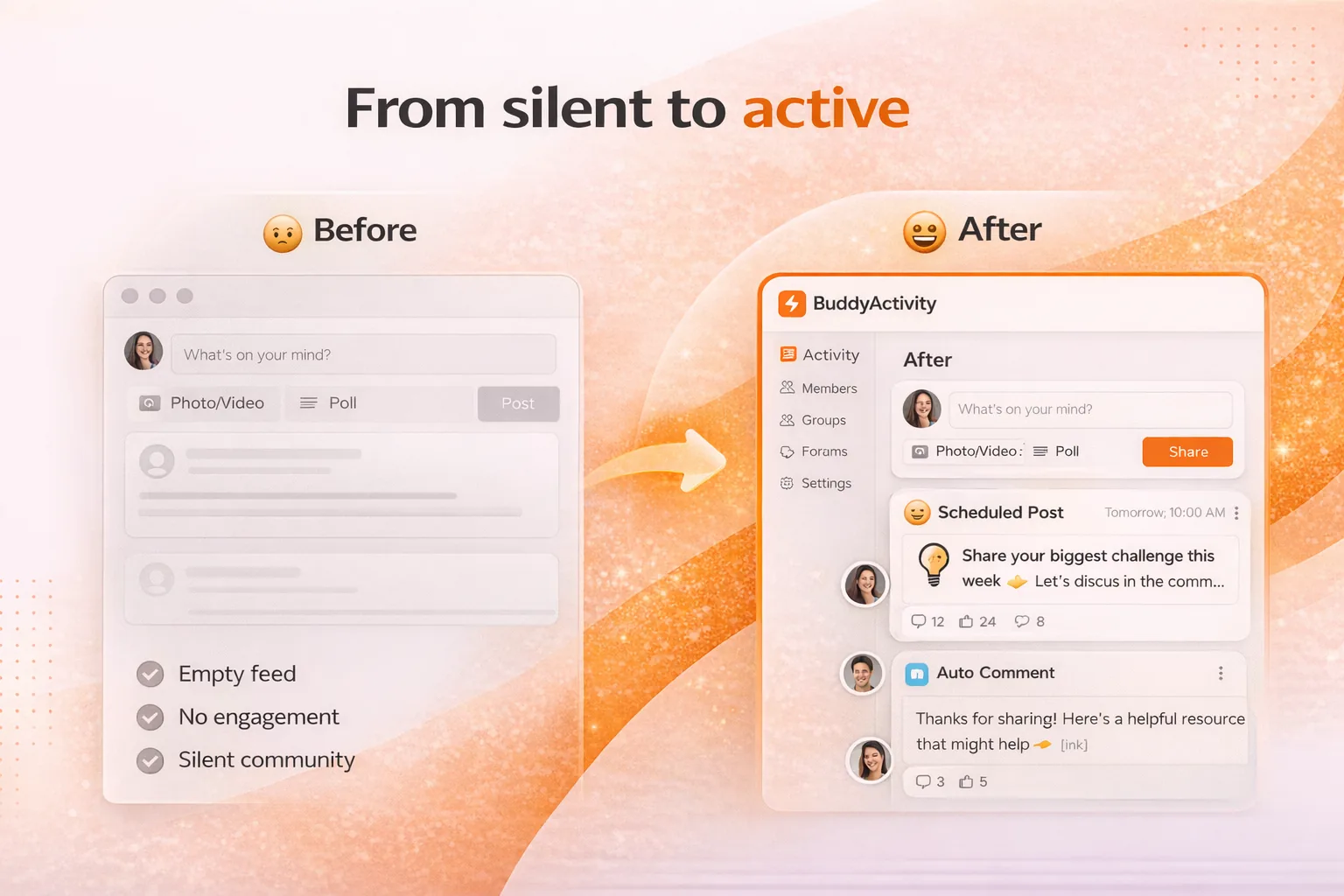
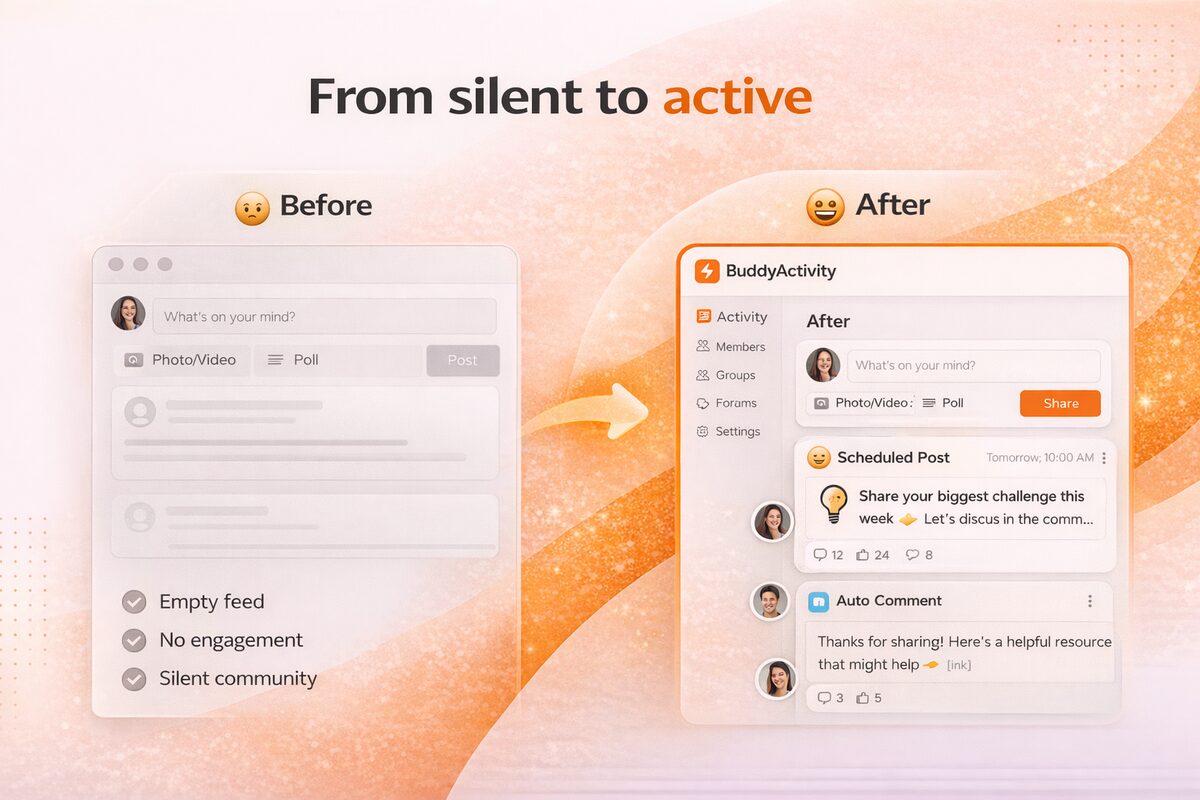
BuddyBoss community transforming from quiet to consistently active through automation

Three Automation Modes

Manual Mode -- You create all content (posts, comments, replies) through Google Sheets. The system applies timing and author logic so even manually created content appears naturally distributed over time.

AI Mode -- The system generates complete discussion threads automatically. AI creates the post, determines comment counts, generates comment content, evaluates reply potential, and structures nested conversations. The engine layer enforces behavioral realism.

Hybrid Mode -- You write base post content and the system enhances it with AI-generated comments and replies. You keep control of discussion topics while automating the engagement layer.

Manual Mode

You author everything; the system applies timing, personas and distribution.

AI Mode

AI generates posts, comments and threaded replies end-to-end, validated by engines.

Hybrid Mode

You write strategic posts; AI handles the supporting comment-and-reply layer.

Queue Visibility

Preview every scheduled action and edit before it goes live.

“I tried building this with a chain of Zapier zaps and a custom GPT and it looked exactly like a chain of Zaps and a custom GPT. BuddyActivity is purpose-built -- five clicks to a realistic feed, and the engine layer keeps it grounded.”
D
Devon Marsh
Head of Community, Pinecone Network

The Automation Pipeline

Every automated action flows through a structured pipeline: Input (manual or AI content) passes through Processing (persona, engagement, and timing logic), enters the Queue (stored with scheduled timestamps), proceeds to the Scheduler (WordPress cron), reaches Execution (published to BuddyPress or BuddyBoss), and appears in the Feed.

This ensures every piece of content is processed through behavioral logic before publication. The Decision Logic Engine calculates comment counts, reply depth, participation distribution, and engagement density based on your configured settings.

BuddyActivity automation pipeline from input through processing, queue and feed

Six Engine System

Activity, Comment, Reply, Persona, Engagement, and Timing engines work together for realistic automation.

Queue-Based Execution

All content is queued with timestamps and executed by the scheduler at the right time.

Behavioral Logic

Every action is processed through persona weights, engagement rules, and diversity constraints.

Google Sheets Management

Manage all content from a single spreadsheet with auto-sync and manual sync options.

Frequently Asked Questions

Answers to the most common questions about Automation Guide.

BuddyActivity simulates behavior, not just content. Most automation tools post content on a schedule. BuddyActivity models who participates, when they engage, and how conversations evolve using six integrated engines. The result is engagement that follows realistic human interaction patterns.

Yes. BuddyActivity supports Manual mode where you create all content through Google Sheets. The system still applies timing distribution and author logic so your content appears naturally distributed. You can automate the scheduling without using AI content generation.

There are no hard limits. The Engagement Engine supports modes from Low (1-3 comments per post) to Spike (15+ comments). You can configure discussion depth, reply frequency, and overall activity volume to match your community size and goals.

BuddyActivity complements community management, it does not replace it. It handles the baseline engagement that keeps the community looking active. Real community managers can focus on high-value interactions, strategy, and member relationships while the system maintains consistent activity.

Most operators are live within an afternoon. Create members, drop a content source into Google Sheets, pick an engagement mode, and turn on Auto-Sync. Iteration and tuning happen in the weeks that follow as you watch the feed.

Yes. You can dial engagement up to Spike mode for the launch window, then drop back to Medium or Low once organic activity stabilizes. Engagement modes are editable at any time and the queue adjusts on the next sync.