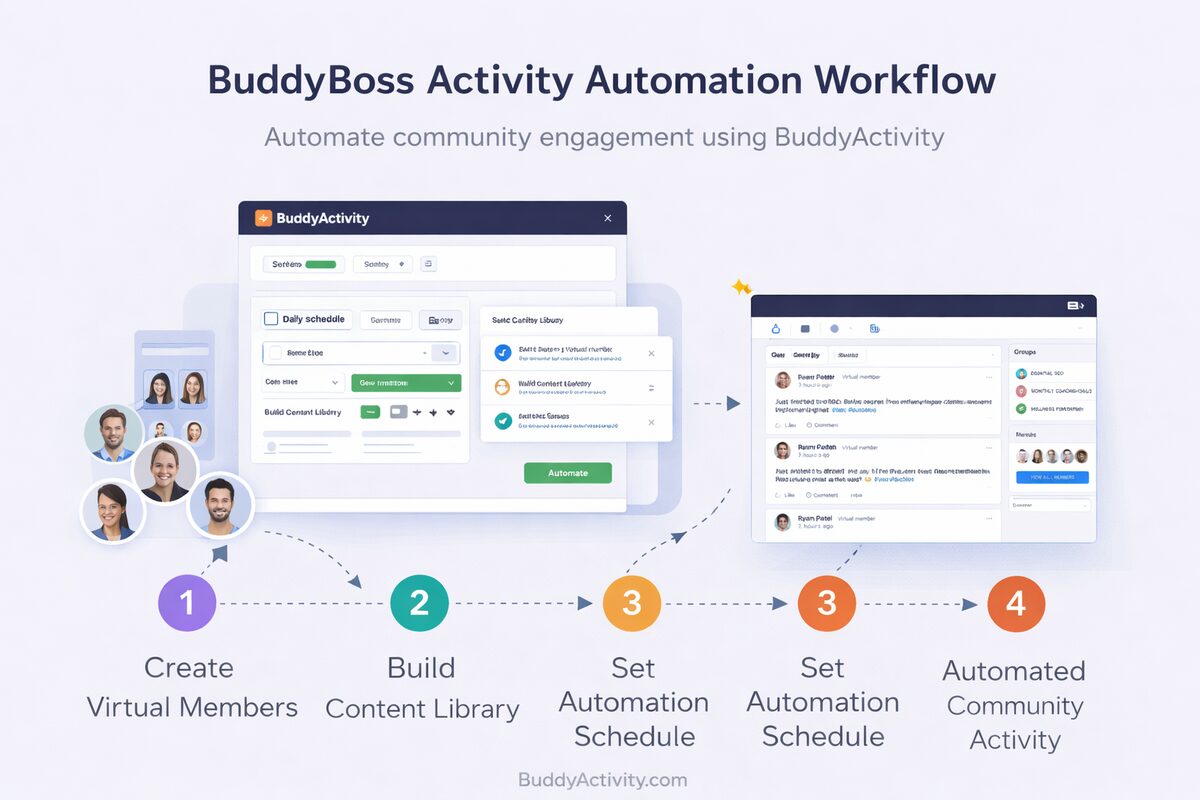
Scheduling System

BuddyPress & BuddyBoss Activity Scheduling and Timing Engine

Control when posts, comments, and replies appear in your BuddyPress or BuddyBoss community with a timing system that distributes activity over realistic intervals -- eliminating robotic patterns and creating natural conversation flow.

Base, delay, offset, and stagger
4 Timing rules
WordPress cron executes everything on time
Queue-based
Activity matches each member's time window
Persona-aware
BuddyActivity timing engine workflow distributing posts and replies across realistic intervals

How the Timing Engine Works

The Timing Engine controls when posts, comments, and replies are executed. Activity is distributed over time rather than appearing instantly. Decisions are influenced by persona activity windows and engagement settings, with randomization applied to avoid predictable patterns.

Without the Timing Engine, every action would look automated and unnatural. Each activity is assigned a timestamp before execution, creating a natural flow similar to real human interaction.
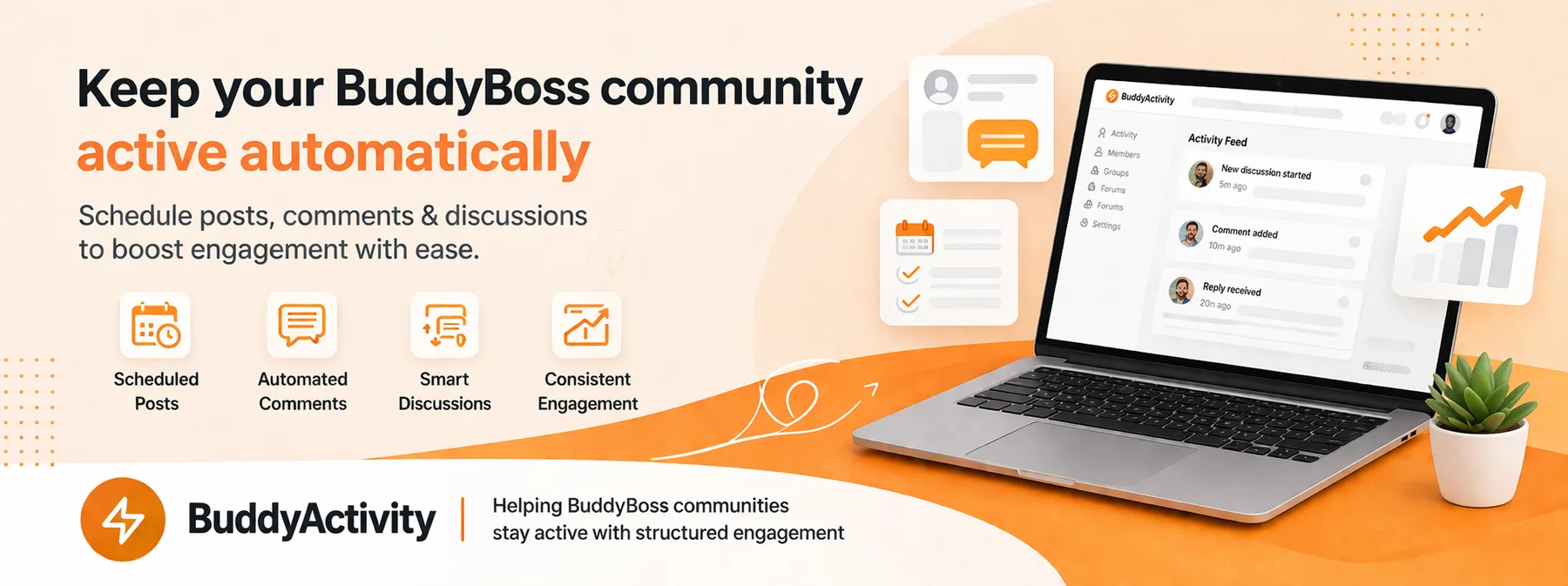
BuddyBoss feed with naturally distributed posts, comments and replies across the day

Post Timing

Posts receive a base timestamp that anchors the entire discussion thread timeline.

Comment Delays

Each comment receives a randomized delay from the post time, distributed over a configured range.

Reply Offsets

Replies are timed relative to their parent comment, simulating natural back-and-forth conversation.

Burst Prevention

Staggering rules ensure no simultaneous activity bursts that would appear artificial.

Persona Windows

Activity respects each persona's active hours so members appear in their natural timezone.

Queue Visibility

The Jobs Queue lets you preview, audit and adjust every scheduled action before it goes live.
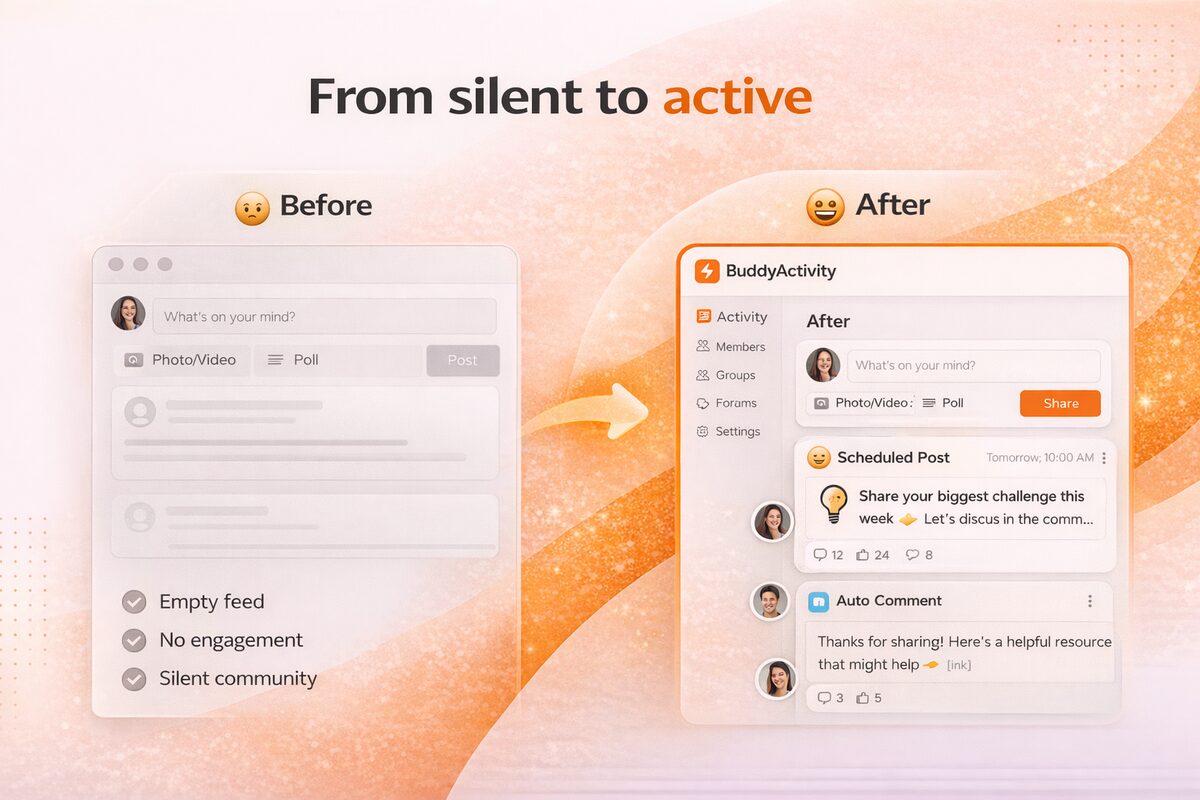
Timing Rules and Distribution

The system applies specific rules: Posts receive a base timestamp. Comments are delayed from post time. Replies are delayed from their parent comment time. Randomization is applied to all delays. Staggering ensures no simultaneous bursts.

Timing is also influenced by persona active time windows. A persona configured as a morning user has activity scheduled during morning hours while an evening persona is active later -- creating realistic time-of-day patterns across the community.

  • Post base timestamp anchors the thread
  • Comments delayed 5 minutes to 6 hours from post
  • Replies offset 2 minutes to 4 hours from parent comment
  • Stagger prevents two members posting in the same second

Queue-Based Execution System

BuddyActivity uses a queue-based execution system to manage all activities. Instead of executing actions immediately, posts, comments, and replies are scheduled. Actions are stored in a queue with timestamps and a WordPress cron process executes them at the appropriate time.

This approach distributes activity over time, scales efficiently, and provides visibility into pending activities through the Jobs Queue. Administrators can monitor, review, and manage all scheduled content before it goes live.

  • Every action is stored with a timestamp before publishing
  • WP-Cron triggers execution at the scheduled time
  • Jobs Queue dashboard previews everything upcoming
  • Admins can edit, defer or cancel any item
BuddyActivity Jobs Queue dashboard showing scheduled activity ready for execution
“The timing engine is the unsung hero. I used to get caught running batch scripts at 9am and watched my whole feed light up in two minutes. With BuddyActivity, the same content trickles in over twelve hours and finally looks like real people talking.”
M
Maeve Holland
Operations Lead, Currents Community Co.

Sync Options

BuddyActivity provides two sync modes. Auto-Sync publishes content automatically on configurable intervals -- set it and forget it. Manual Sync lets administrators trigger publishing on demand for precise control. Both modes use the same timing and execution pipeline.

Batch size configuration controls how many items are processed per sync cycle. Sheet position tracking enables incremental syncs, processing only new content since the last sync. Sync logs provide a complete audit history of every operation.

Frequently Asked Questions

Answers to the most common questions about Scheduling System.

The Timing Engine applies randomized delays to every action. Posts get base timestamps. Comments are delayed from the post time with randomized intervals. Replies are delayed from their parent comment. Staggering rules prevent simultaneous bursts. Persona active time windows ensure activity matches realistic time-of-day patterns.

Yes. You can set specific dates and times in your Google Sheet for each post, comment, or reply. The system supports multiple date and time formats. You can also configure auto-sync intervals for hands-off scheduling or use manual sync for on-demand control.

The Jobs Queue is a monitoring interface that shows all pending scheduled activities. You can view what content is queued, when it will be published, and which virtual member will post it. This gives administrators full visibility into upcoming community activity.

Batch size configuration controls how many content items are processed per sync cycle. This prevents server overload with large content libraries. Sheet position tracking enables incremental syncs, processing only new content added since the last sync operation.

Yes. BuddyActivity uses WordPress's cron API, which means it works seamlessly with system-cron-driven WP-Cron, server-side schedulers, and managed hosting cron implementations.

Yes. You can pause Auto-Sync, drain the queue, or disable specific engines from the dashboard. Resuming picks up where the queue left off without losing any scheduled content.

Missed jobs stay queued. When WordPress comes back online, WP-Cron processes any due items on the next tick. No content is lost; it just publishes a little later than originally planned.