How to Turn One Product Announcement Into 7 Days of BuddyBoss or BuddyPress Conversations
Turn one product announcement into seven days of BuddyBoss or BuddyPress discussions with a practical plan for posts, comments, feedback, and replies.
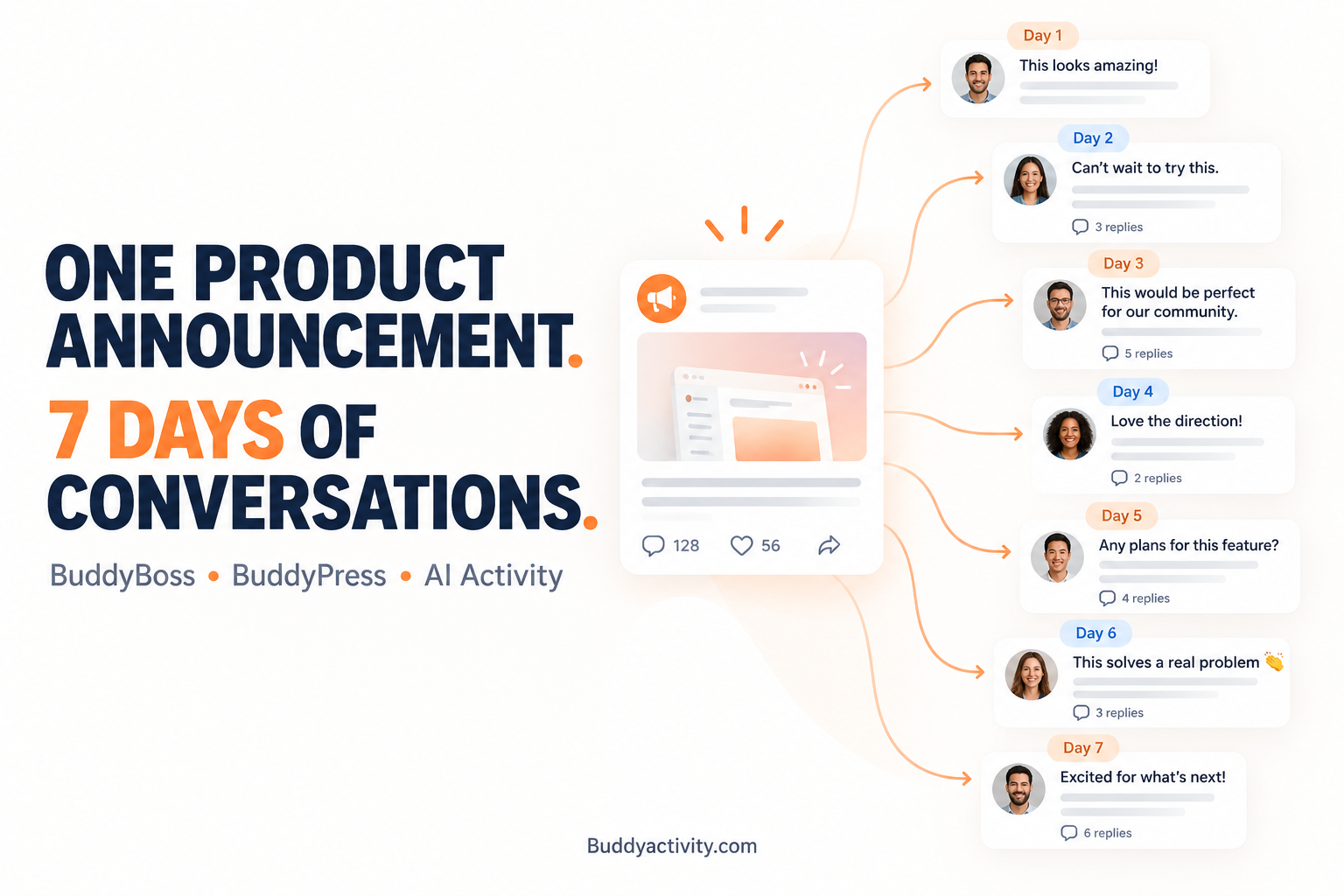
A software business has spent several months developing a new feature. The team has tested it, prepared screenshots, written documentation, and finally publishes a product announcement inside its BuddyBoss or BuddyPress community.
The announcement receives a few reactions and questions. Within a day or two, newer posts push it further down the activity feed. Members who log in later may never notice it. Others see the announcement but do not fully understand how the new feature benefits them.
The product update may deserve more than a single announcement post. BuddyBoss product launch conversations can be planned as a structured series that helps members discover and understand an update at their own pace.
This article provides a complete seven-day framework you can adapt to your own community.
Why One Product Announcement Is Rarely Enough
Many companies treat a product launch as a single publishing event. They announce a feature, share a few screenshots, and expect members to immediately understand its value.
But different members need different information. Some want to understand what changed. Others want practical examples. Existing customers may need clarification about compatibility, pricing, or implementation.
An activity feed changes over time. As new conversations appear, older posts receive less visibility. Members who visit on different days may miss an important update entirely.
Three weaknesses stand out: limited exposure, unanswered questions, and insufficient feedback opportunities. Publishing more random promotional posts is not the solution. The better approach is to build a sequence where every discussion adds distinct value.
Why BuddyBoss and BuddyPress Are Useful for Product Launch Conversations
Businesses with established BuddyPress product announcements have a useful opportunity when releasing a feature update. Unlike a one-way email, a community allows customers to ask questions, exchange practical experiences, and discuss how the product fits their work.
The relevant capabilities are already part of the platform. Activity feeds surface new posts. Threaded comments let conversations develop naturally. Groups organize conversations by topic. Previous discussions remain available for anyone who joins later.
A business can create a central announcement post and follow it with topic-specific discussions throughout the week. This is community-led product communication rather than traditional advertising.
These platforms provide the discussion environment. The business still plans and manages the communication.
What to Prepare Before Your Seven-Day Community Launch Campaign
Effective product launch conversations begin before the initial announcement. The preparation work determines how smooth the week will feel.
Identify the Main Product Benefit
The team should identify the single most important problem the new product or feature solves. Instead of listing every technical capability, the announcement should communicate the practical benefit to the customer.
Identify one primary benefit and two or three supporting use cases. Those supporting use cases can later become individual discussion topics throughout the week.
Prepare a Library of Questions and Examples
Prepare useful community content before the launch begins. This may include product screenshots, short explanations, frequently asked questions, common misconceptions, and practical examples.
Encourage questions that invite authentic customer participation rather than manufactured enthusiasm. A genuine question about how members currently handle a workflow will produce more useful responses than a prompt asking everyone to celebrate.
Decide Where Each Discussion Belongs
Choose whether to publish conversations in the main activity feed or a relevant BuddyBoss or BuddyPress group. The original announcement should remain easy to find, while supporting discussions should appear in appropriate locations.
Avoid overwhelming every community group with the same promotional message. A group focused on advanced users may want a different discussion than a group for beginners.
The 7-Day Product Announcement Conversation Plan for BuddyBoss and BuddyPress
This is the core framework. The following example uses a fictional WordPress software company launching a new automated appointment reminder feature. The company and scenario are illustrative, not a real customer case study.
Each day has a specific purpose and a different type of conversation. Together they create a complete picture of the product update without repeating the same message.
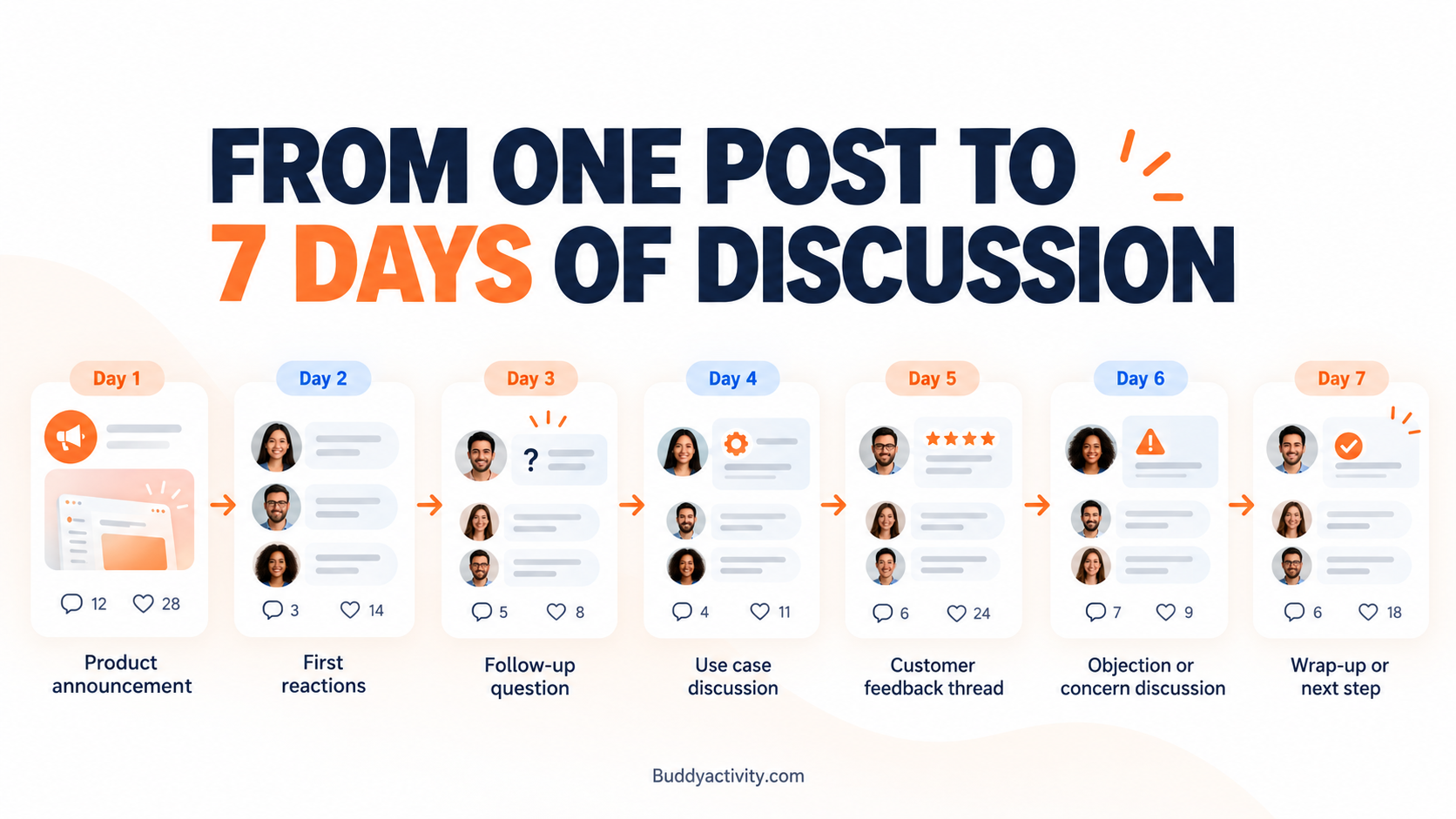
Day 1 — Publish the Main Product Announcement
The first post introduces the product or feature with a clear announcement that answers four questions. What is new? Who is it for? What problem does it solve? How can customers learn more?
For the fictional appointment reminder feature, the announcement could focus on helping businesses reduce the manual work of contacting customers before booked appointments. Instead of listing every setting, the post explains what members can now do that they could not do before.
Include one meaningful image or screenshot, a short explanation, and a link to the relevant documentation or feature page. End the announcement with a specific question inviting members to share their existing appointment reminder challenges.
The purpose of Day 1 is clarity and discovery. It is not about overwhelming customers with every technical detail on the first day.
Day 2 — Turn Initial Reactions Into a Useful Conversation
On the second day, revisit the launch from the customer's perspective. Instead of posting the same announcement again, create a discussion exploring the problem the feature is designed to solve.
For the appointment reminder example, introduce a question such as: "What part of your current appointment reminder process takes the most time?" This type of question may be easier for members to answer than a generic request for opinions about a newly released feature.
Problem-focused questions work because every member already has a workflow, even if they have not tried the new feature yet. Review actual responses and provide helpful information where appropriate.
The Day 2 objective is to understand the customer's problem more deeply, not to sell the feature again.
Day 3 — Answer the Questions Customers Are Likely to Ask
Transform common product questions into an accessible community discussion. For the appointment reminder feature, possible questions could address how reminders are scheduled, whether customers can change appointments, and how existing booking workflows are affected.
Create an educational FAQ-style post that invites members to ask additional questions. Distinguish verified product information from hypothetical examples. If a question involves a feature limitation or a setup requirement, state the answer clearly.
Do not publish fabricated customer questions as if real people submitted them. Members can usually tell when questions sound scripted, and it reduces trust in the information provided.
A useful FAQ discussion helps customers who missed the original announcement while reducing the need to repeat the same explanation individually. The Day 3 objective is to remove confusion and make product information easier to understand.
Day 4 — Show a Practical Product Use Case
An example often communicates more than a feature description. Use a fictional service business that manages several customer appointments each day.
Show how the appointment reminder feature could fit into its existing workflow. Start from an appointment being booked, then a reminder being prepared and delivered. Keep the explanation grounded in the hypothetical software's stated capabilities. Do not invent actual product features or results.
Present the example using a short walkthrough, an annotated screenshot, or a concise scenario. Finish with a question asking how members would adapt the workflow to their own businesses. The Day 4 objective is to connect the product announcement to a recognizable real-world problem.
Day 5 — Invite Genuine Customer Feedback
Product launch discussions should create opportunities for actual customer feedback, not just promotional activity. Ask members who have explored the feature what was clear, what was confusing, and what could be improved.
For the appointment reminder example, questions might focus on setup instructions, workflow flexibility, or missing information. Specific questions produce more useful answers than broad requests for thoughts.
Community managers can group feedback into recurring themes without misrepresenting how many customers expressed each concern. Acknowledge constructive criticism and explain which suggestions require further investigation.
Do not create fictional testimonials, ratings, or positive customer reviews. The Day 5 objective is to learn from actual product users and demonstrate that their observations are being considered.
Day 6 — Address Concerns and Product Limitations
Some customers may be interested in a new feature but uncertain whether it is suitable for their existing workflow. Common concerns include implementation effort, compatibility, configuration requirements, or whether the feature replaces an existing process.
If the feature does not support a particular calendar integration, say so directly and point members toward documentation. Honest answers help members make informed decisions before they invest time in setup.
The business should acknowledge limitations rather than presenting every feature as suitable for every customer. Invite further questions while avoiding artificially staged negative comments. The Day 6 objective is to resolve uncertainty through transparent, helpful product communication.
Day 7 — Summarize the Week and Explain What Happens Next
Finish the week with a helpful summary rather than another sales message. The final post should collect the most useful information shared across the previous discussions, link to important resources, and highlight genuine recurring questions or feedback themes.
For the appointment reminder example, the summary might include the original feature announcement, practical setup guidance, a demonstration walkthrough, and clarification of common concerns. A member who only reads the Day 7 post should still understand the feature.
The company can describe what feedback it is reviewing without promising unapproved future features or deadlines. Leave one clear next step for customers who want to explore the product further.
The Day 7 objective is to make the entire week of discussion useful to someone discovering the announcement for the first time.
How to Schedule Product Launch Posts, Comments, and Replies
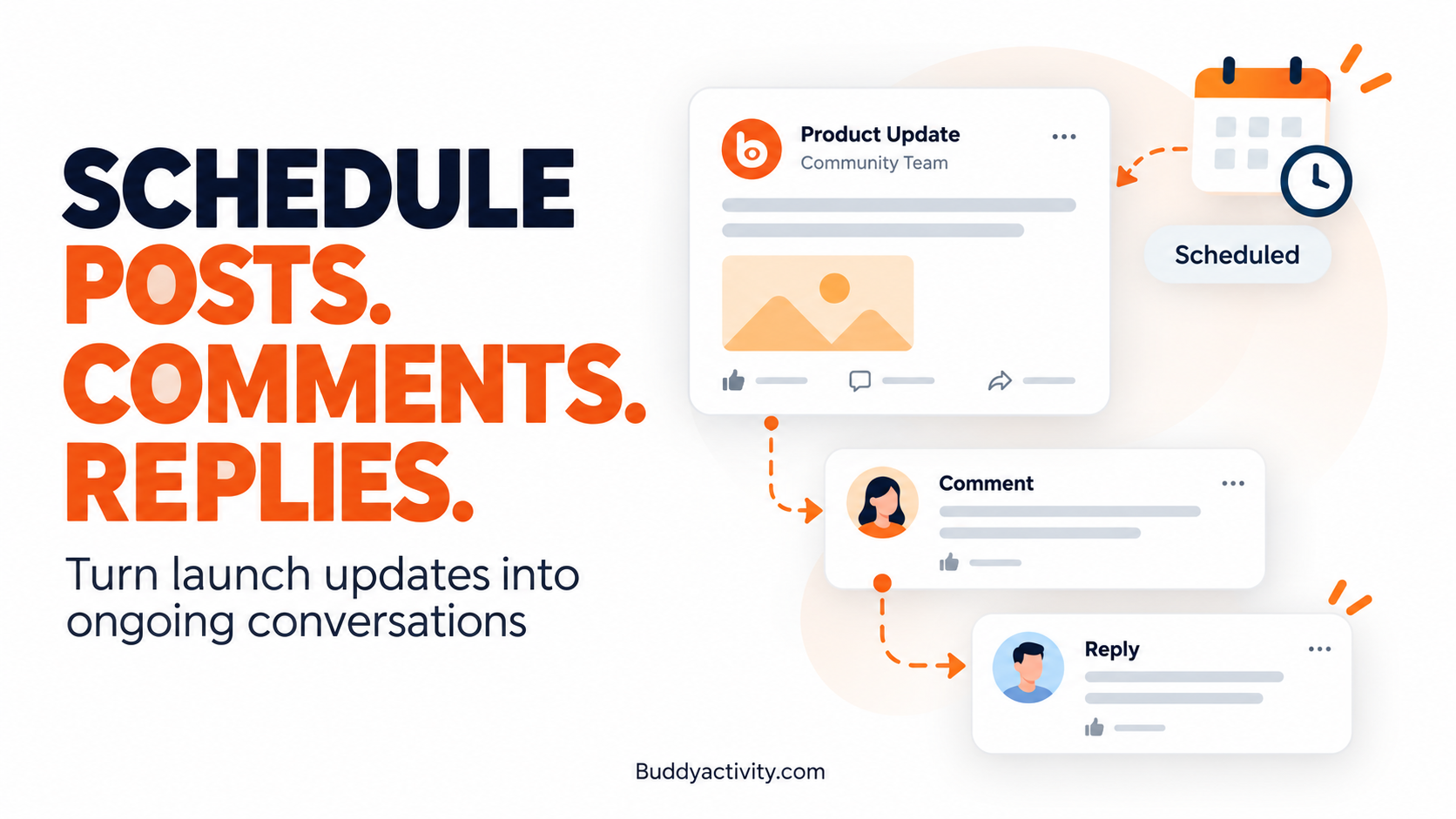
Preparing seven days of community discussions can become time-consuming when the business is also managing a product launch, answering support questions, and developing product documentation. Planning content in advance makes the process manageable.
Prepare the Posts Before Launch Day
Draft the main announcement, educational follow-ups, use cases, and discussion starters before the launch begins. Each post should serve a different purpose and contribute new information.
Having content ready does not mean it is locked in. If Day 2 responses reveal an unexpected concern, the Day 3 FAQ post can be updated to address it before it goes live.
Schedule Comments and Contextual Replies
Prepared comments and replies can provide additional context, link to useful resources, or clarify a product announcement without requiring someone to write them in real time. This is especially useful for educational content that answers predictable questions.
Distinguish approved company-generated explanations from genuine customer responses. A comment that provides a link to documentation is helpful. A comment that pretends to be an independent customer praising the feature is not. The guide on how to automate BuddyPress and BuddyBoss activity and keep your community engaged in 2026 explains how scheduled activity can be managed with more consistency.
Use Automation Without Losing Human Oversight
Content scheduling helps manage the planned publishing sequence, but it does not replace a knowledgeable person reviewing accuracy, responding to genuine questions, or handling sensitive issues. A scheduled post about a product limitation still needs to be accurate when it goes live.
The team can review the next day's content and make changes when new questions arise. This keeps the campaign responsive rather than rigid.
For readers interested in managing community activity through compatible AI assistants, the BuddyActivity and AcrossAI integration explains how you can direct activity from tools like Claude or ChatGPT while keeping human review in place.
How to Keep AI-Powered Product Discussions Authentic and Trustworthy
There is a clear line between using AI to prepare useful community communication and using it to manufacture fake customer excitement.
A company can responsibly automate educational posts, discussion prompts, product explanations, and clearly identified virtual or branded participants. These serve an informational purpose and are easy to distinguish from genuine customer responses.
However, a company should not create fictional customer testimonials, fake reviews, or comments that falsely suggest independent customers support the launch. These practices mislead members and undermine trust in the community.
Community owners can use approved simulated personas transparently to introduce discussion topics. The guide on using virtual members to seed your BuddyBoss or BuddyPress community covers how to set up personas that members can recognize.
Genuine member responses should remain the primary source of feedback, criticism, and validation. The goal is not to make the community appear artificially enthusiastic. It is to create useful opportunities for real conversations to happen.
How BuddyActivity Fits Into a Seven-Day Product Conversation Plan
Community owners frequently struggle with the repetitive work of preparing and publishing follow-up posts throughout a product launch. One announcement is manageable, but seven days of discussions, comments, and replies require planning and consistent execution.
BuddyActivity helps automate posts, comments, and threaded replies inside BuddyBoss and BuddyPress communities using configurable virtual personas and scheduled activity. These capabilities can support a planned seven-day discussion calendar, especially for educational content, follow-up questions, and clearly identified automated discussion activity.
The plugin does not automatically generate genuine customer feedback, verify product claims, or replace human support staff. Its value is helping the business manage a planned publishing rhythm while leaving real customer conversations and product decisions to the appropriate people.
Frequently Asked Questions
Can I use BuddyBoss or BuddyPress to announce a new product feature?
Yes. BuddyBoss and BuddyPress communities work well for product announcements because they support activity feeds, threaded comments, and groups. You can publish a central announcement and follow it with topic-specific discussions throughout the week. Members can ask questions and share experiences in a way that a one-way email cannot offer.
How do I turn one product announcement into multiple community discussions?
Break the announcement into distinct topics that each add new information. For example, one post can explain the feature, another can explore the problem it solves, a third can answer common questions, and a fourth can show a practical use case. Spread these across seven days so members encounter the update at their own pace.
Can I automate product announcement posts and replies in BuddyBoss?
You can schedule posts, comments, and replies in advance using tools like BuddyActivity. Educational content, discussion prompts, and contextual replies can be prepared before the launch. However, automated content should be clearly identified and should not pretend to be genuine customer feedback. A knowledgeable person should still review accuracy and respond to real questions.
How do I encourage genuine customer feedback during a product launch?
Ask specific questions about the customer's actual experience with the feature. Instead of requesting general opinions, ask about setup instructions, workflow fit, or missing information. Acknowledge constructive criticism honestly and explain which suggestions are being reviewed. Members share more useful feedback when they feel their observations are taken seriously.
Conclusion
A product announcement should not be treated as a single moment in the activity feed. A well-planned seven-day sequence gives customers several opportunities to discover the feature, understand its value, ask questions, and provide feedback.
The objective is not more promotional noise. It is better product communication through useful discussions that help members at their own pace.
Start by creating a seven-day conversation plan for your next update. Members will understand the feature more clearly, and you will learn more from their responses than a single post could ever offer.
Was this article helpful?
Get fresh community insights in your inbox
Practical guides on growing engaged BuddyPress & BuddyBoss communities. No spam.
Keep reading
Browse all articles
How to Automate BuddyPress & BuddyBoss Activity and Keep Your Community Engaged in 2026
Your BuddyPress or BuddyBoss community launched. Members joined. Then it went quiet. Learn how to automate BuddyPress and BuddyBoss activity so your feed stays alive, members keep coming back, and engagement builds on its own.
Read article
How to Use Virtual Members to Seed Your BuddyBoss or BuddyPress Community
Learn how to use virtual members to seed your BuddyBoss or BuddyPress community, solve the cold start problem, and get real members engaging from day one.
Read article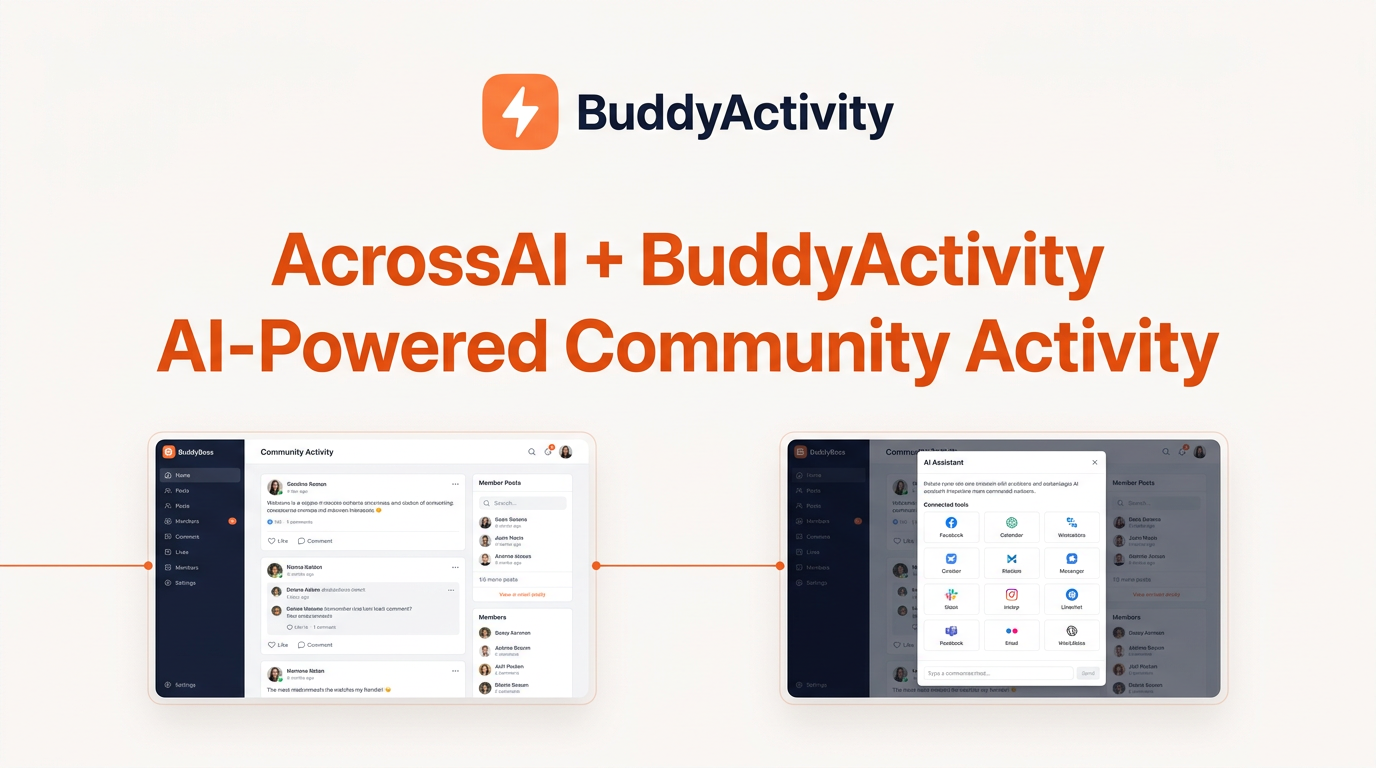
BuddyActivity Now Works With AcrossAI: Fill Your Community Feed Straight From Claude or ChatGPT
BuddyActivity and AcrossAI now work together. Create posts, comments, replies and reactions in your BuddyBoss community from Claude or ChatGPT, with no API keys or coding. Plus, a free AcrossAI Pro license for the next 100 customers.
Read article