How Much Does It Cost to Manage a BuddyBoss or BuddyPress Community in 2026? Manual vs AI-Powered Management
Discover BuddyBoss and BuddyPress community management costs in 2026. Compare manual work, hiring costs, AI automation, and realistic monthly budgets.
Someone has invested in building a BuddyBoss or BuddyPress community. The website is running, members are joining, and the community appears ready to grow.
But operating the community requires more ongoing work than expected. Someone needs to prepare discussion posts, respond to questions, monitor conversations, review problematic content, assist members, and keep the community organized.
The owner begins calculating the time spent managing everything. Hiring a community manager seems expensive, while doing everything personally is consuming hours that could be spent developing the business.
AI-powered automation appears to offer another option, but the owner wants to understand what it actually costs and which tasks it can realistically handle.
The central question is clear: How much does community management cost in 2026, especially for a BuddyBoss or BuddyPress website? This article compares manual management, hiring a community manager, AI-assisted workflows, and hybrid management models so you can estimate your own monthly operating budget.
What Does Managing a BuddyBoss or BuddyPress Community Actually Involve?
Community management involves much more than publishing occasional discussion posts. A working community requires several types of recurring tasks, and each demands time, tools, or specialist knowledge.
Creating Posts, Comments, and Discussion Content
Preparing relevant discussion starters, informational content, follow-up questions, announcements, and responses takes consistent effort. Content planning and publishing become recurring responsibilities that grow with the community. Creating useful activity is different from simply producing a high volume of posts.
Moderating Discussions and Supporting Members
Communities need human judgment for handling complaints, enforcing community rules, answering member questions, and resolving disagreements. These responsibilities should not be assumed to disappear when AI content automation is introduced. Moderation requires context that automated tools cannot reliably provide.
Maintaining Community Operations
Membership administration, organizing groups, reviewing community performance, coordinating activities, and maintaining consistent publishing processes all add up. The combination of small recurring tasks can create a significant monthly workload. For related reading on reviewing the operational condition of a community, the BuddyBoss and BuddyPress community audit guide covers ten signs that a community needs attention.
How Much Does It Cost to Hire a Community Manager in 2026?
Hiring a community manager is one of the largest potential recurring expenses for an online community. Pricing varies based on experience, region, working hours, responsibilities, and whether the manager is a freelancer, agency contractor, or full-time employee.
Upwork, a major freelance marketplace, lists a typical range of approximately $14 to $35 per hour for online community managers as of 2026. This is an illustrative marketplace benchmark, not a universal industry rate. Always verify current rates when making hiring decisions.
A manager working a few hours weekly can have a very different monthly cost from someone handling daily member support and moderation. Here is one transparent illustrative calculation using the formula: monthly labor cost = hourly rate x weekly hours x 52 / 12.
At a hypothetical $25 per hour and 10 weekly hours, the monthly labor cost equals $25 x 10 x 52 / 12 = approximately $1,083 per month. This is a clearly labeled illustrative scenario, not a quoted service price.
Employment benefits, agency fees, payroll expenses, training, and other overhead can increase the true cost beyond the base hourly rate. A full-time employee with benefits typically costs significantly more than the hourly figure alone suggests.
The Hidden Cost of Managing Your Community Yourself
Community owners sometimes assume manual management is free because they are not paying an employee. In reality, their own working hours have an opportunity cost.
A typical owner might spend time writing community posts, reviewing replies, answering members, organizing groups, and planning future discussions. This workload can reduce the time available for product development, sales, customer acquisition, or other business responsibilities.
Consider assigning an estimated hourly value to your time. If you value your working time at $30 per hour and community administration consumes six hours each week, that represents an internal business cost of approximately $780 per month. This is not cash paid to an employee, but it is real time diverted from other business activities.
Tracking time for two weeks can help you understand your real workload before deciding whether hiring or automation makes financial sense. The cheapest-looking approach is not necessarily the most efficient use of an owner's limited time.
Manual vs. AI-Powered BuddyBoss Community Management: What's the Real Difference?
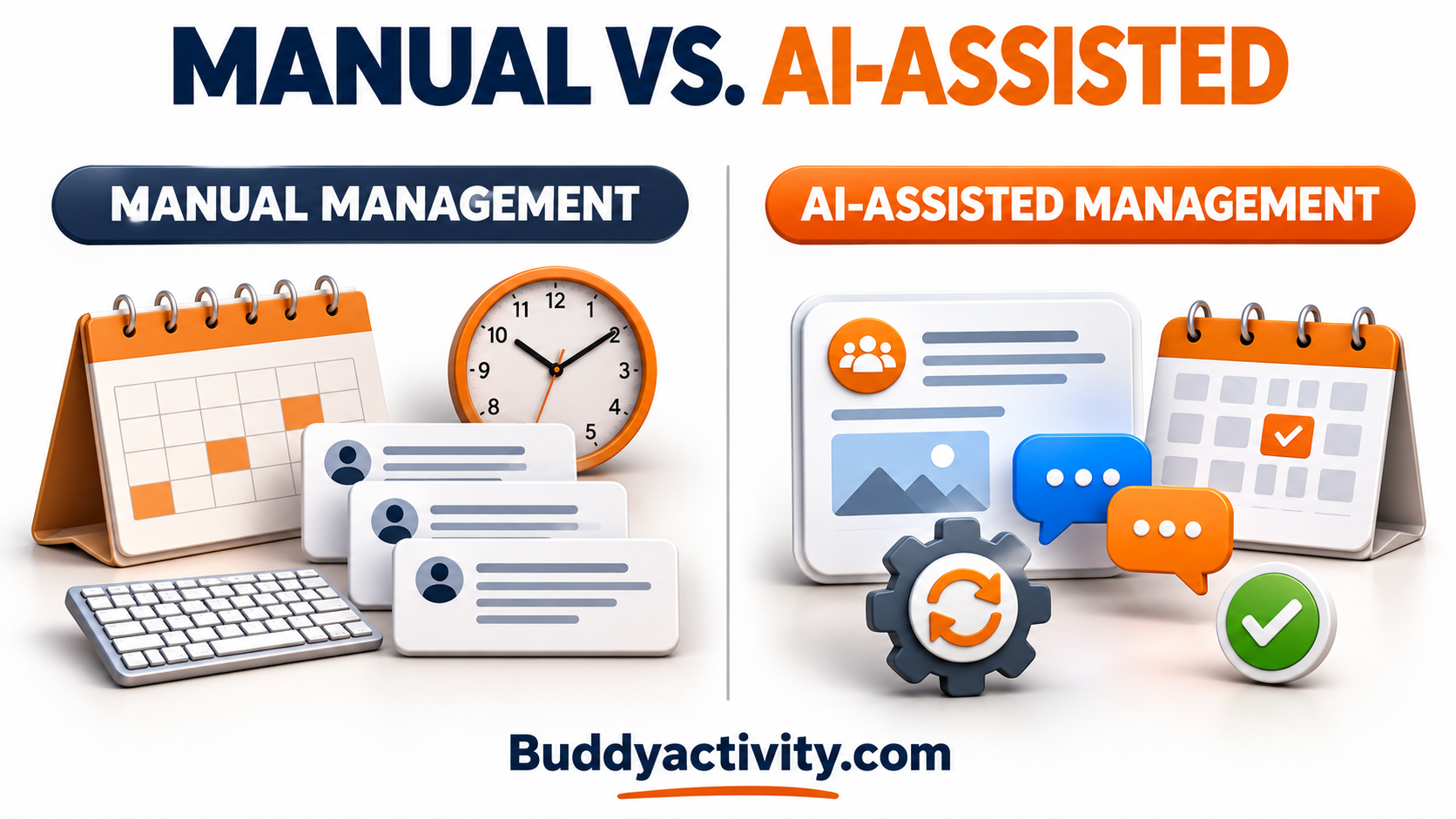
Manual management and AI-assisted community activity are not identical services. Understanding the difference is essential for making an accurate cost comparison.
Manual Community Management
A human community manager can respond to members, exercise judgment, resolve complaints, moderate sensitive issues, and coordinate operational decisions. The advantage is contextual understanding and genuine relationship-building with members.
Drawbacks include limited working hours, recurring labor costs, and the time required to maintain a consistent publishing schedule. A human manager cannot be available around the clock without significant additional cost.
AI-Assisted Community Activity
Software can reduce repetitive work involved in preparing and scheduling posts, comments, and replies. Potential advantages include repeatable workflows, content preparation at scale, and distributing publishing activity across different times.
AI-generated content requires appropriate review and transparency, particularly when using simulated participants. Automation software costs and human oversight must still be included in the budget.
Hybrid Community Management
Some community businesses combine AI-assisted content preparation with human moderation and member support. The software manages planned publishing activity, while a person oversees content quality, responds to genuine questions, and handles sensitive situations.
This model divides work according to the strengths of people and tools. The most suitable approach depends on the size, complexity, and purpose of the community. A small community may need less automation than a large membership site with multiple active groups.
Four Expenses That Determine Your Monthly Community Management Budget
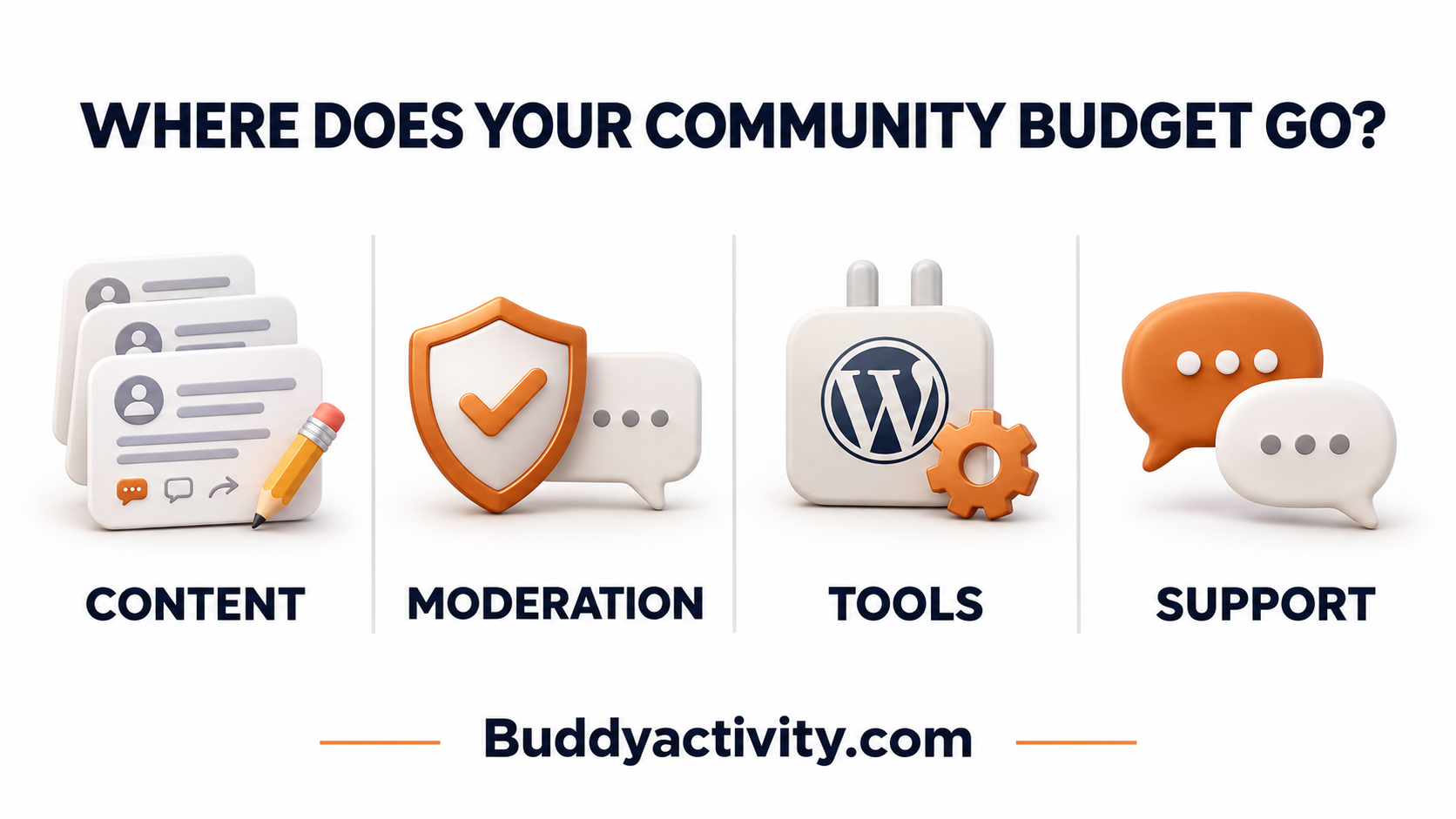
A realistic community budget should account for more than labor or one software subscription. Four expense categories typically determine the total monthly cost.
1. Content Creation and Publishing
Writing posts, preparing announcements, developing discussion topics, and responding to content all carry costs. These may include manual writing time, freelance content support, or AI-assisted preparation costs. Publishing frequency and content complexity directly influence the total expense.
2. Moderation and Community Safety
Reviewing reported posts, handling disputes, enforcing rules, and protecting members require operational resources. The amount of moderation needed depends on community size, risk, and the type of discussions being hosted. AI content publishing does not remove the need for moderation.
3. Software, Hosting, and Automation Tools
Recurring and one-time costs include hosting, WordPress services, BuddyBoss-related licensing, compatible plugins, and activity automation tools. Administrators should evaluate the complete technology stack rather than the price of a single plugin, since the full stack determines the real software budget.
4. Member Support and Administration
Handling member questions, access problems, onboarding issues, account management, and general administrative tasks all take time. Some support activities can be assisted by tools, but complex member-specific situations may require human attention. Support demand changes as a community grows.
How to Calculate Your BuddyBoss or BuddyPress Community Management Cost
A practical budgeting method helps community owners apply these concepts to their own websites.
Step 1 — Estimate Your Monthly Management Hours
List recurring responsibilities and estimate the time spent on each. Include content preparation, publishing, moderation, customer support, and administration. Use actual time records where available rather than estimating everything from memory. Some tasks occur daily while others occur weekly or monthly.
Step 2 — Add Labor, Software, and Service Expenses
A simple budgeting formula helps: total monthly management cost = monthly labor cost + recurring software costs + external service costs + allocated one-time expenses. Do not double-count the same expense.
For annual software subscriptions, divide the annual fee by 12 when preparing a monthly comparison. For one-time setup expenses, show them separately or allocate them over a clearly stated period.
Step 3 — Compare Equivalent Responsibilities
Cost comparisons become misleading when a full-service human community manager is compared against a content automation plugin as though they deliver identical services. Compare content publishing costs separately from moderation, support, and administrative work.
The following table shows the categories a community owner should compare across management models. The figures are hypothetical inputs for illustration only.
| Category | DIY (Owner time) | Freelance manager | Hybrid (AI + part-time human) | | --- | --- | --- | --- | | Content creation | $0 cash, ~6 hrs/week | ~$1,083/month at $25/hr | Lower human hours + software cost | | Moderation | $0 cash, ~2 hrs/week | Included in hourly rate | Human review required | | Software and tools | Hosting + plugins | Hosting + plugins | Hosting + plugins + automation tool | | Member support | $0 cash, ~3 hrs/week | Included in hourly rate | Human handling for complex issues |
The most useful comparison is the cost of completing the same required work to an acceptable standard, not the lowest headline price.
How to Choose the Right Community Management Model for Your Budget
No single management approach fits every BuddyBoss or BuddyPress community. Three common situations help illustrate the decision.
For small or newly launched communities, owners may prefer to manage decisions personally and automate selected repetitive publishing tasks. The budget is primarily owner time plus basic hosting and software costs.
For growing membership communities, a hybrid model can help balance predictable content workflows with responsive human support and moderation. Software handles planned activity while a part-time manager covers member needs.
For larger or more complex communities, dedicated staff or professional services may be necessary to handle member needs, governance, and higher-risk situations. The budget reflects full or near-full labor costs plus supporting software.
Budget decisions should reflect actual workload, available expertise, and expectations for service quality. Review costs periodically as community operations change. For related financial planning, the guide on turning a BuddyBoss or BuddyPress community into a revenue stream covers how operating expenses and monetization decisions connect.
Where AI Automation Can Reduce Repetitive Community Work
Creating and scheduling regular community posts, comments, and replies is one area where software can support community operations. BuddyActivity is a WordPress plugin that supports automated activity generation, scheduled posts, comments, and threaded replies inside BuddyBoss and BuddyPress communities.
The plugin helps owners manage planned community activity without manually writing or publishing every interaction. It does not replace a community manager's full responsibilities, guarantee lower total costs, or independently handle all member support and moderation.
Buyers should compare current software licensing costs, optional service fees, setup requirements, and their remaining human workload. For current pricing and Done-For-You service details, visit the BuddyActivity pricing page and Done-For-You page. For broader automation strategies, the guide on automating BuddyPress and BuddyBoss activity covers the general workflow.
Frequently Asked Questions
How much does it cost to manage a BuddyBoss or BuddyPress community each month?
Monthly costs vary widely depending on community size, publishing frequency, moderation needs, and whether management is handled by the owner, a hired manager, or a combination of tools and people. A small community managed by the owner may cost only hosting and software fees plus the owner's time. A community with a part-time freelance manager at $25 per hour for 10 weekly hours would cost approximately $1,083 per month in labor alone.
How much does hiring an online community manager cost in 2026?
Upwork lists a typical marketplace range of approximately $14 to $35 per hour for online community managers as of 2026. Actual costs depend on experience, region, responsibilities, and whether the manager is a freelancer, agency contractor, or full-time employee. Full-time employees with benefits typically cost significantly more than the base hourly rate suggests.
Is AI-powered community management cheaper than hiring a community manager?
AI automation can reduce the cost of repetitive content tasks such as creating and scheduling posts, comments, and replies. However, automation software does not replace moderation, member support, dispute resolution, or strategic community decisions. A fair cost comparison separates content publishing from responsibilities that still require human judgment. The most accurate comparison is the cost of completing the same work to an acceptable standard.
Can BuddyActivity reduce the time spent creating community posts and replies?
Yes. BuddyActivity automates the preparation and scheduling of posts, comments, and threaded replies using configurable virtual participants. This can reduce the manual time involved in content publishing. However, the plugin does not handle moderation, member support, or community strategy. Administrators should compare the software cost against the time saved on content creation while budgeting for the human work that remains.
Conclusion
The real cost of community management depends on the work required, the people performing it, and the tools used to support the process. Community owners should calculate their time, labor expenses, software subscriptions, and support responsibilities before choosing a management model.
AI automation can be useful for repetitive content workflows, while human oversight remains important for moderation, support, and strategic decisions. Prepare a simple monthly budget based on your actual community operations and review it as your community grows.
Was this article helpful?
Get fresh community insights in your inbox
Practical guides on growing engaged BuddyPress & BuddyBoss communities. No spam.
Keep reading
Browse all articles
The BuddyBoss and BuddyPress Community Audit: 10 Signs Your Community Needs Help Right Now
Is your BuddyBoss or BuddyPress community struggling? Run this 10-point community audit to identify exactly what needs fixing and how to fix it fast.
Read article
How to Automate BuddyPress & BuddyBoss Activity and Keep Your Community Engaged in 2026
Your BuddyPress or BuddyBoss community launched. Members joined. Then it went quiet. Learn how to automate BuddyPress and BuddyBoss activity so your feed stays alive, members keep coming back, and engagement builds on its own.
Read article
How to Turn Your BuddyBoss or BuddyPress Community Into a Revenue Stream
Learn how to turn your BuddyBoss or BuddyPress community into a real revenue stream with paid memberships, courses, sponsorships, and premium content.
Read article