Best BuddyBoss and BuddyPress Plugins to Boost Community Engagement in 2026
Looking for the best BuddyBoss and BuddyPress plugins in 2026? Discover the top plugins to boost engagement and grow your community fast.
If you are running a community on WordPress in 2026, you already know that the platform alone is not enough. BuddyBoss and BuddyPress give you the foundation — profiles, groups, activity feeds, messaging — but the real difference between a thriving community and a silent one comes down to the plugins you stack on top.
The right plugins turn a basic community site into a space members return to every day. The wrong ones slow your site down, confuse members, and drain your time. This guide walks through the best BuddyBoss and BuddyPress plugins in 2026 to boost community engagement, covering what each plugin does, who it is for, and how it fits into a modern community stack.
Whether you run an online course community, a paid membership site, a coaching group, or a private community for your brand, the plugins below are the ones worth your attention this year.
Why Plugin Choice Matters More Than Ever in 2026
Member expectations have shifted. Communities are no longer judged by how many features they have — they are judged by how alive they feel on day one. A new member lands on your activity feed, scans it in a few seconds, and decides whether to stay. If the feed looks empty, if conversations are missing, if the experience feels half-built, they leave.
That is why plugin selection in 2026 is less about adding features and more about adding momentum. The plugins that matter are the ones that help you seed activity, retain members, reward participation, and reduce the manual work of keeping a community warm.
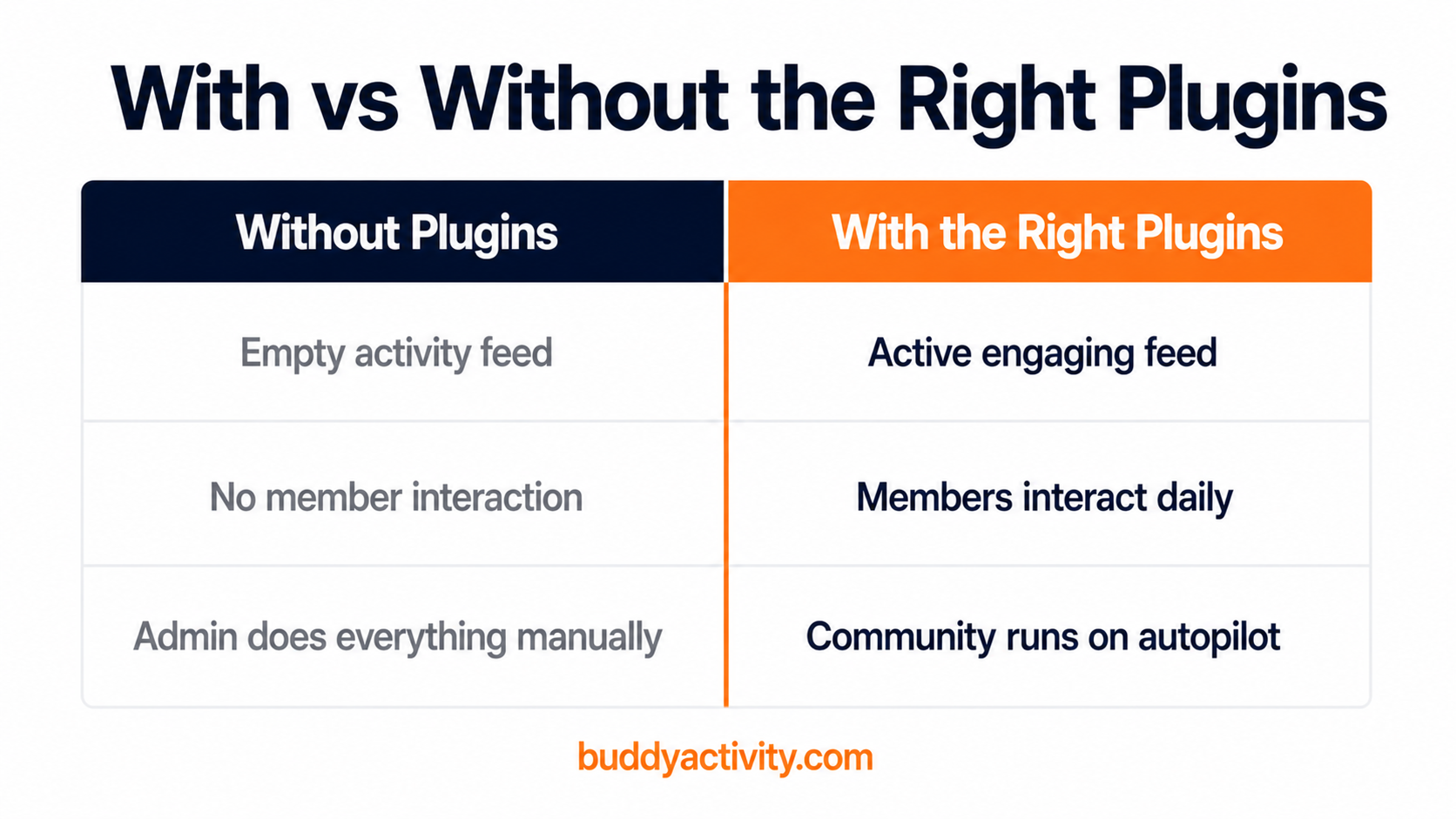
Below are the seven plugins we recommend most often to community owners running BuddyBoss or BuddyPress in 2026. Each one solves a specific problem that real community builders face — and together they form a practical stack you can ship with.
1. BuddyActivity — Automated Activity for BuddyPress and BuddyBoss
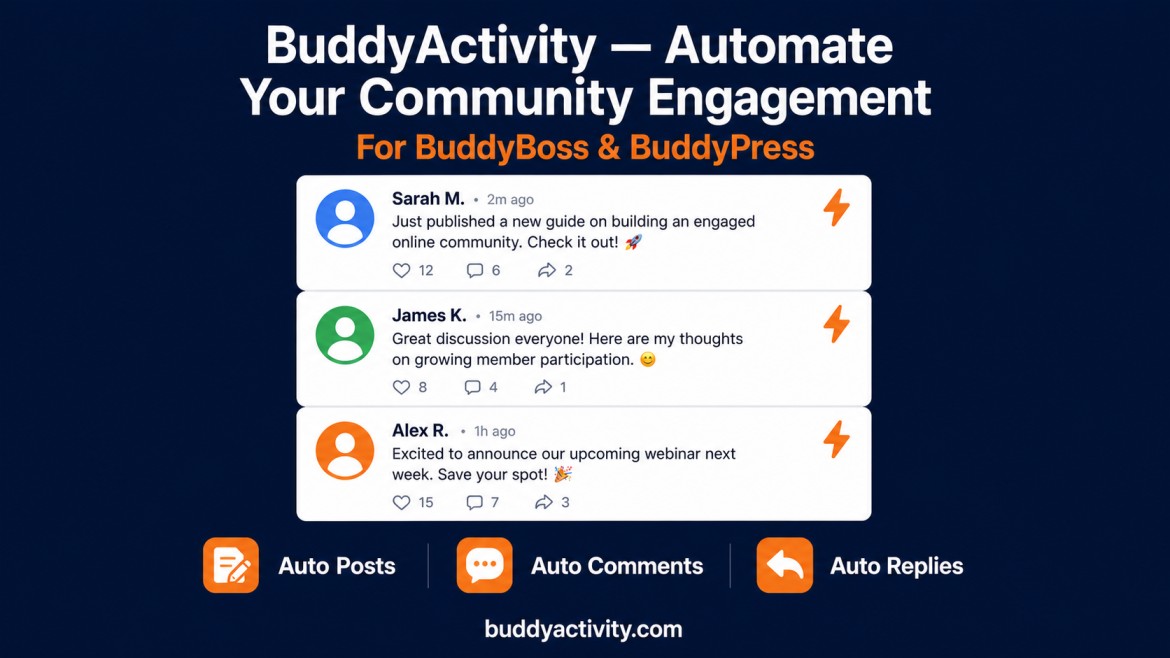
BuddyActivity is the plugin we built to solve the single biggest problem in WordPress communities: silent feeds. It lets you schedule posts, comments, and replies from virtual members directly into your BuddyPress or BuddyBoss activity feed, seeded from a Google Sheet and driven by AI-generated content.
What makes it different is the workflow. You write a content calendar once, assign virtual member personas, and BuddyActivity handles the publishing — automatically, on the schedule you choose. New members land on a feed that looks active, established, and worth participating in. The cold-start problem disappears.
Best for: course creators, membership site owners, coaches, and any community owner who needs a feed that stays warm without daily manual posting.
Why it made the list: it is the only plugin in the BuddyBoss and BuddyPress ecosystem that combines AI content generation, virtual member personas, scheduled publishing, and full BuddyBoss compatibility in one workflow.
If you are coming from a silent launch or a stalled community, this is usually the first plugin to install. For a deeper walkthrough on warming up a quiet feed, read our guide on how to increase engagement in a BuddyBoss community.
2. LearnDash — Course-Driven Community Engagement
LearnDash remains the most widely used LMS plugin for WordPress in 2026, and its deep BuddyBoss integration is one of the main reasons course creators pick BuddyBoss as a platform at all. Lessons, quizzes, and cohort progress all hook directly into group activity, which means learning becomes a shared experience rather than a solo task.
When a member completes a lesson, that progress can be posted to a group feed. When a quiz is passed, classmates can see it and respond. That shared visibility is what turns a course into a community.
Best for: educators, coaches, and creators running paid courses who want learning progress to drive engagement.
Why it made the list: LearnDash converts passive coursework into public milestones, which is one of the cleanest engagement patterns available in BuddyBoss.
3. GamiPress — Points, Badges, and Leaderboards
GamiPress is the go-to gamification plugin for BuddyBoss and BuddyPress, and in 2026 it is better than ever. It lets you award points and badges for almost any community action — posting, commenting, replying, completing a lesson, inviting a friend — and surface the results on profiles and leaderboards.
Gamification done badly feels gimmicky. Gamification done well feels like recognition. The difference is subtlety: reward actions that you actually want to encourage, and keep the badges tasteful and meaningful.
Best for: communities where participation needs a visible reward loop, particularly learning, fitness, and membership communities.
Why it made the list: it is deeply integrated with BuddyBoss activity types and gives you fine control over what counts as engagement.
4. MemberPress — Paid Membership and Access Control
If you are charging for access to your BuddyBoss or BuddyPress community, MemberPress is the most reliable way to manage it. It handles subscriptions, one-time payments, drip content, and access rules, and integrates cleanly with BuddyBoss groups so you can gate access by tier.
In 2026, paid communities are a stronger model than ever. Members who pay show up more, participate more, and stay longer — but only if the access and billing experience feels professional. MemberPress delivers that.
Best for: paid communities, tiered membership sites, and course creators who want to bundle access.
Why it made the list: it is battle-tested, well-supported, and has the deepest BuddyBoss integration of any membership plugin.
5. bbPress — Lightweight Forums for Structured Discussion
Activity feeds are great for quick conversation, but longer, topic-based discussions deserve a dedicated home. bbPress gives your community that space. Topics, replies, subscriptions, and threaded discussion live alongside your BuddyPress activity stream, and the two plugins integrate natively.
In 2026, forums are having a quiet resurgence. As social feeds become noisier, members are increasingly drawn back to the structured, searchable nature of forum threads — especially for technical communities, hobbyist communities, and long-form Q&A.
Best for: communities that need structured, searchable discussions alongside the feed.
Why it made the list: it is free, lightweight, and the native forum system for BuddyPress.
6. WooCommerce — Commerce-Powered Community
WooCommerce is not a community plugin on its own, but it becomes one in the right context. Pair it with BuddyBoss and you can sell products, services, and digital goods directly to your community members, with purchase events surfacing in the activity feed.
Commerce and community compound each other. A member who buys something is more invested, and a community that can earn from its audience is more sustainable. WooCommerce makes the revenue layer possible without leaving WordPress.
Best for: creators selling digital products, coaches selling services, and any community that wants a native commerce layer.
Why it made the list: it is the default e-commerce solution for WordPress, and its BuddyBoss integration is mature.
7. Uncanny Automator — Automation Glue for BuddyBoss
Uncanny Automator is the plugin that ties the rest of your stack together. It lets you create automations across BuddyBoss, LearnDash, MemberPress, WooCommerce, and more — without writing code. A new member joins a group, a welcome email fires, points are awarded, and a task appears in your CRM. All automatic.
In 2026, automation is no longer optional for serious community operators. The communities that scale without burning out their owners are the ones that automate the repetitive work of onboarding, follow-up, and reward.
Best for: community operators who run multi-plugin stacks and need events in one tool to trigger actions in another.
Why it made the list: it is the cleanest way to orchestrate a BuddyBoss-centred plugin stack without custom code.
How to Choose the Right Plugins for Your Community
You do not need all seven plugins. You need the ones that match your model. Start with the problem you are trying to solve, then pick the plugin that solves it most directly.
If your feed is silent, start with BuddyActivity. If you are running courses, add LearnDash. If participation is lukewarm, layer on GamiPress. If you are charging for access, bring in MemberPress. If you need structured Q&A, install bbPress. If you are selling, add WooCommerce. If you are stitching it all together, Uncanny Automator is the final piece.
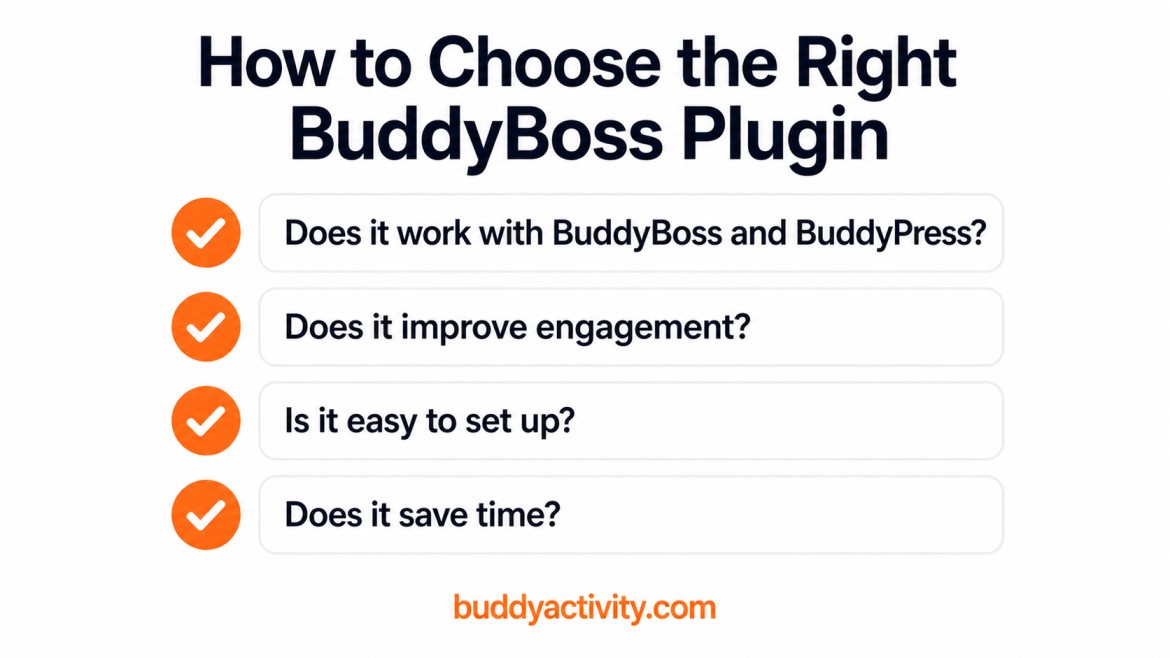
The biggest mistake community owners make is installing every plugin at once and hoping features equal engagement. Features do not equal engagement. A focused stack, installed deliberately, will always outperform a bloated one.
For a practical launch sequence that ties plugin selection into a broader community plan, see our walkthrough on how to launch a BuddyBoss community the right way.
The 2026 Plugin Stack That Works
The community owners we see succeeding in 2026 follow a simple pattern. They pick a clear model — course, membership, coaching, or brand community. They install a tight stack of three to five plugins that solve the most important problems for that model. And they automate everything that does not require a human touch.
BuddyActivity fits into this pattern as the engagement foundation. It keeps the feed alive so the rest of your stack — lessons, memberships, badges, commerce — has something to hang on. A community without a warm feed will not retain members no matter how many other features you install.
That is the lesson of 2026 community building. Engagement is the product. Everything else is support.
Frequently Asked Questions
What is the best plugin to boost engagement on BuddyBoss in 2026?
BuddyActivity is the strongest choice because it directly solves the cold-start and silent-feed problem that stops most BuddyBoss communities from growing. It automates posts, comments, and replies from virtual members so the feed always looks active, even when your real member base is still small.
Do I need both BuddyBoss and BuddyPress, or just one?
You only need one. BuddyBoss is a commercial platform built on top of BuddyPress that adds a polished interface, mobile app support, and deeper integrations. BuddyPress is the free, open-source community engine. Pick BuddyBoss if you want a turnkey experience, BuddyPress if you want flexibility and a leaner stack.
Can I run all seven of these plugins at once?
You can, but you probably should not on day one. Most successful communities run three to five plugins together. Start with BuddyActivity for engagement, add the plugin that matches your monetization model (LearnDash, MemberPress, or WooCommerce), and expand from there as your community grows.
How much should I expect to spend on plugins for a BuddyBoss community in 2026?
A typical serious stack in 2026 lands between $600 and $1,200 per year in plugin licences, depending on whether you choose BuddyBoss or BuddyPress and which monetization plugins you pick. That is a small cost compared to the time saved and the retention gains a focused plugin stack delivers.
Final Thoughts
The best BuddyBoss and BuddyPress plugins in 2026 are not the ones with the most features. They are the ones that solve the problem in front of you. Silent feed, quiet members, low retention, manual busywork — every plugin above exists to fix a specific failure mode, and the right combination of two or three of them will transform your community faster than a bloated stack of fifteen.
Start with engagement. Everything else depends on it. And if your community is still silent, BuddyActivity is built for exactly that moment.
Was this article helpful?
Get fresh community insights in your inbox
Practical guides on growing engaged BuddyPress & BuddyBoss communities. No spam.
Keep reading
Browse all articlesHow to Increase Engagement in Your BuddyPress & BuddyBoss Community (Step-by-Step)
Is your BuddyPress or BuddyBoss community quiet? Members joined but nobody is posting. This step-by-step guide gives you a proven system to increase engagement and build a thriving active community.
Read article
How to Launch a BuddyBoss Community the Right Way
Ready to launch your BuddyBoss community? Follow this step-by-step guide to set up, seed, and grow an active, thriving community from day one.
Read article
How to Automate BuddyPress & BuddyBoss Activity and Keep Your Community Engaged in 2026
Your BuddyPress or BuddyBoss community launched. Members joined. Then it went quiet. Learn how to automate BuddyPress and BuddyBoss activity so your feed stays alive, members keep coming back, and engagement builds on its own.
Read article