AI Agents for BuddyPress and BuddyBoss: What They Do and How They Work
AI agents are changing how BuddyPress and BuddyBoss communities run. Learn in plain language what an AI agent does inside your groups and activity feed, how it answers member questions, starts discussions, and keeps your community alive — without you being online.
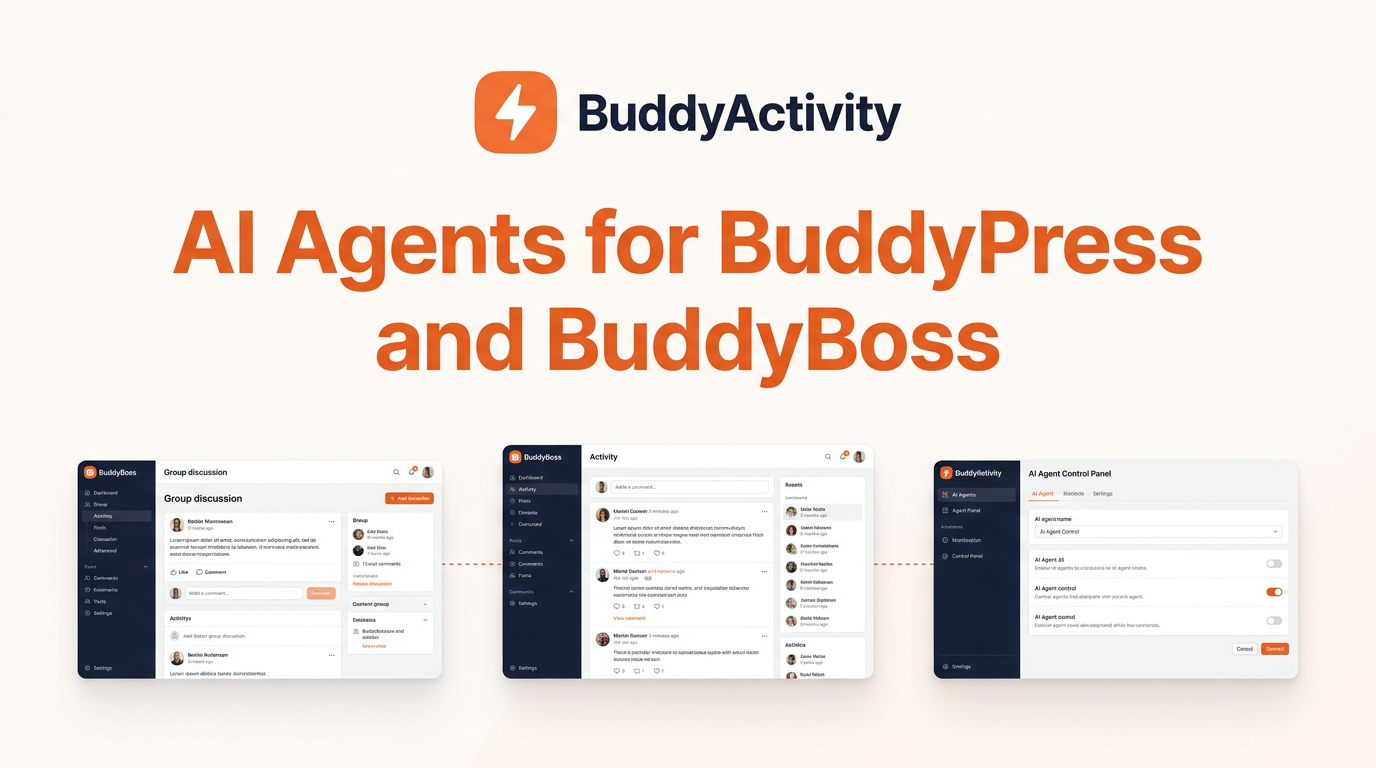
You have probably heard the term "AI agent" by now. It is everywhere. But what does an AI agent actually do inside a BuddyPress or BuddyBoss community? And do you need one?
This post explains it in plain language. No technical background needed. By the end, you will know what an AI agent does in your groups, what it does in your activity feed, and whether it makes sense for your community.
What Is an AI Agent?
An AI agent is a software tool that can do tasks on its own when you ask it to. Think of it like a very capable helper who lives inside your website. You give it instructions in plain language, and it carries them out.
A regular chatbot can only answer questions in a chat window. An AI agent is different because it can take action. It can post in your groups, reply to members, start discussions, and answer questions — right inside your community, not in a separate window.
Here is the key difference. A chatbot talks to you. An AI agent does things for you.
In a BuddyPress or BuddyBoss community, an AI agent can do two main jobs:
- 1Answer member questions inside your groups using only the information you give it.
- 2Create activity — posts, comments, and replies — that keep your community feed alive and engaging.
BuddyActivity gives you both. Let us look at what each one does.
What an AI Agent Does in Your Groups
Your groups are where the real conversations happen. This is where members ask questions, share wins, and help each other. An AI agent makes sure no question goes unanswered and no group feels empty.
Answers Member Questions Instantly
When a member posts a question in a group, they usually have to wait for another member or the community owner to reply. That wait can be hours. Sometimes days. Sometimes forever.
An AI agent changes this. When a member @mentions the agent in a group, the agent reads the question and replies right away. The answer comes from a knowledge base you set up — your course material, your FAQs, your coaching frameworks, whatever you choose. The agent does not search the open internet and guess. It answers from what you gave it.
If a member asks "How do I access week 3 videos?" the agent can answer immediately because it knows your course structure. If a member asks "What is the refund policy?" the agent can answer because you uploaded your policy document.
Every answer includes a citation — a note showing where the answer came from in your knowledge base. Members can click through and read the full source themselves. This builds trust. Nobody has to take the agent's word for anything.
Escalates to a Human When Needed
Not every question belongs in an AI's hands. If a member asks something sensitive, something the agent is unsure about, or explicitly asks for a human, the agent does not guess. It sends the question to your moderators.
Your moderator sees the original question and the agent's draft response. They can step in with a personal reply. This means the agent handles the repetitive questions — the ones you answer the same way every time — while real humans handle the nuanced ones.
Starts Discussions to Keep Groups Active
An empty group is a dead group. If members log in and see no recent posts, they leave. An AI agent can create posts that get conversations started.
You can ask your AI assistant (like Claude or ChatGPT) to create a discussion thread in a specific group. For example: "Start a discussion in the Beginners group about the biggest challenge members faced in their first week." The agent creates the post, assigns virtual members as authors, and even adds comments and replies to make the thread feel like a real conversation.
This means your groups always have fresh content. Members always have something to read and respond to. And you did not have to write any of it by hand.
Respects Group Boundaries
The agent only works in groups where you have turned it on. If you have a free public group and a paid premium group, you can enable the agent only in the premium group. Free members do not see it. Paid members get it as part of their subscription.
You can also give each group its own knowledge base. A course group gets the course material. A coaching group gets the coaching frameworks. The agent in each group only knows about that group's content.
What an AI Agent Does in Your Activity Feed
Your activity feed is the front page of your community. It is the first thing members see when they log in. If it is empty, members assume the community is dead. If it is full of fresh posts, comments, and reactions, members feel like they are part of something alive.
Creates a Realistic Mix of Activity
An AI agent does not just post random messages. BuddyActivity uses engagement-type profiles to create activity that feels natural:
- LOW activity — a quiet day with just a post or two, realistic for a small group
- MEDIUM activity — a normal day with a few posts, some comments, and a couple of replies
- HIGH activity — a busy day with lots of conversations happening at once
- SPIKE activity — a burst of activity around a launch, event, or announcement
- DEAD activity — a realistic quiet period, because no real community is active 100% of the time
- DEBATE activity — a back-and-forth discussion where members disagree respectfully
This variety matters. A real community is not active at the same level every single day. Some days are quiet. Some days are busy. The agent creates that natural rhythm so your feed does not look artificial.
Writes Full Conversation Threads, Not Just Single Posts
A single post sitting alone with zero replies looks staged. Real communities have threads — a post, followed by comments, followed by replies to those comments.
The AI agent creates full threads. It writes the original post, then adds comments from different virtual members, then adds replies to those comments. Each virtual member has their own persona, tone, and personality, so the conversation reads like real people talking.
Picks the Right Members for Each Conversation
BuddyActivity includes an Author Selection Engine that picks which virtual member writes each post, comment, or reply. It considers four things:
- 1Tone match — does this member's personality fit this type of post?
- 2Debate threshold — should this member join a debate, or do they tend to stay out of arguments?
- 3Diversity — has this member already posted too much recently? Give others a turn.
- 4Absence rate — real members are not online every day. Some virtual members are intentionally inactive on certain days.
This means the same five members do not dominate every conversation. The activity spreads naturally across your member base, just like in a real community.
Adds Reactions and Likes
Posts with zero reactions feel ignored. The agent can add likes and reactions to posts across your feed, especially to new members' first posts. A few early reactions make newcomers feel seen and far more likely to post again.
Places Everything in Your Draft Queue for Approval
Nothing the agent creates goes live without your approval. Every thread, post, comment, and reply lands in your Drafts queue first. You review it, approve it, and it goes live. You can edit anything before it appears.
This means you stay in control. The agent does the work of creating content, but you decide what actually shows up in your community.
The Two Types of AI Agent in BuddyActivity
To keep things clear, here is a simple breakdown of the two AI agent features in BuddyActivity and what each one is for.
1. The AI Support Agent — Answers Questions
This is the agent that lives inside your groups and answers member questions. You set up a knowledge base, members @mention the agent, and it replies with cited answers from your material. It escalates to humans when needed.
Best for: Communities where members ask lots of questions and the owner is tired of answering the same ones repeatedly. Course communities, coaching groups, membership sites with a knowledge base.
2. The Activity Agent — Creates Content
This is the agent that creates posts, comments, replies, and reactions to keep your feed alive. It uses engagement-type profiles, virtual member personas, and the Author Selection Engine to generate realistic activity threads.
Best for: Communities that look empty or quiet and need consistent activity to feel alive. New communities that need seeding, established communities going through a quiet period, agencies managing multiple communities.
Both agents are modules in BuddyActivity. Both are off by default. You turn on the ones you want under Settings → Features.
Do You Need an AI Agent in Your Community?
You probably do if any of these sound familiar:
- You answer the same questions over and over. The AI Support Agent handles the repetitive ones so you can focus on the ones that need a human touch.
- Your community looks quiet when members log in. The Activity Agent keeps the feed full of fresh conversations so members always have something to engage with.
- You manage multiple groups and cannot be everywhere at once. The agent works in every enabled group simultaneously, 24/7.
- You are launching a new community and need it to look active from day one. The agent seeds your feed with realistic conversations so new members arrive to a lively space.
- You want to offer premium features that justify a higher price. The AI Support Agent can be gated to paid members, making it a monetizable benefit.
How AI Agents Work With Your AI Assistant
Through our partnership with AcrossAI, you can also drive BuddyActivity's agents from the AI assistant you already use — Claude, ChatGPT, Cursor, or any assistant that supports the Model Context Protocol.
Instead of opening your WordPress admin to create activity, you simply tell your assistant what you want. Something like: "Create a MEDIUM engagement thread in the Beginners group about common mistakes in week one." Your assistant calls BuddyActivity's 26 MCP Abilities, the thread is generated, and it appears in your Drafts queue for approval.
This means you can manage your community's activity from the same AI tool you use for everything else in your business. No new interface to learn. No WordPress admin to navigate.
Are AI Agents Safe to Use in a Community?
This is a fair question. Giving an AI tool the ability to post in your community and answer member questions should feel safe, not risky. Here is how BuddyActivity is built to keep things under control.
- Nothing goes live without your approval. Every piece of activity the agent creates lands in your Drafts queue. You review and approve before it appears in your feed.
- The agent only answers from your knowledge base. It does not search the open internet or make things up. If it does not know, it says so.
- Every answer cites its source. Members can verify where the information came from.
- Sensitive questions go to humans. The agent escalates to your moderators instead of guessing.
- Both agents are off by default. You turn them on only when you are ready, and only in the groups you choose.
- Your data stays on your site. The agents run through the WordPress AI Client with providers configured in your own settings. BuddyActivity does not store your API keys.
Getting Started
- 1Install BuddyActivity on your BuddyPress or BuddyBoss site.
- 2Go to Settings → Features and enable the agents you want — the AI Support Agent, the Activity Agent, or both.
- 3For the AI Support Agent, upload your knowledge base (PDFs, documents, URLs) and test it in the test console.
- 4For the Activity Agent, set up your virtual members and choose engagement types for your groups.
- 5Activate the agents in the specific groups where you want them.
- 6Review and approve activity from your Drafts queue.
No developer needed. No code to write. You can start with one group, see how it works, and expand from there.
Frequently Asked Questions
What is an AI agent?
An AI agent is a software tool that can do tasks on its own when you ask it to. Unlike a chatbot that only talks to you in a chat window, an AI agent can take action inside your community — posting in groups, replying to members, starting discussions, and answering questions.
What is the difference between the AI Support Agent and the Activity Agent?
The AI Support Agent answers member questions inside your groups using a knowledge base you provide. The Activity Agent creates posts, comments, replies, and reactions to keep your activity feed alive. Both are modules in BuddyActivity and both are off by default.
Does the AI agent post automatically without my approval?
No. Every piece of activity the agent creates goes to your Drafts queue first. You review and approve before anything appears in your community.
Can the AI agent answer questions from the open internet?
No. The AI Support Agent only answers from the knowledge base you set up — your documents, your course material, your FAQs. If it does not have enough information, it says so instead of guessing.
Will my community look fake if I use an AI agent?
No. BuddyActivity uses engagement-type profiles (LOW, MEDIUM, HIGH, SPIKE, DEAD, and DEBATE), virtual member personas, and an Author Selection Engine to create activity that follows a natural rhythm. The same members do not dominate every conversation, and activity levels vary from day to day just like in a real community.
Can I control which groups get the AI agent?
Yes. Both agents are enabled per group. You choose exactly which groups get the agent and which do not. You can also restrict the AI Support Agent to specific membership levels within each group.
Do I need to know how to code to use an AI agent?
No. The entire setup is done from the BuddyActivity settings interface. No code, no developer, no API keys to manage. You upload your knowledge base, choose your groups, and approve activity from the Drafts queue.
Can I use my own AI assistant like Claude or ChatGPT to control the agent?
Yes. Through our partnership with AcrossAI, you can drive BuddyActivity's agents from Claude, ChatGPT, Cursor, or any AI assistant that supports the Model Context Protocol. You describe what you want in plain language and your assistant calls BuddyActivity's Abilities on your site.
Is it safe to give an AI agent access to my community?
Yes. Nothing posts without your approval, the agent only answers from your knowledge base, every answer cites its source, sensitive questions escalate to human moderators, and both agents are off by default. You turn them on only when you are ready and only in the groups you choose.
Was this article helpful?
Get fresh community insights in your inbox
Practical guides on growing engaged BuddyPress & BuddyBoss communities. No spam.
Keep reading
Browse all articles
The AI Support Agent: Give Your BuddyBoss Members a 24/7 Knowledge Assistant
BuddyActivity now includes an AI Support Agent that answers member @mentions from your own knowledge base with cited sources, moderator escalation, and per-group eligibility rules. Learn how it works, how access is controlled, and how to monetize it as a premium group feature.
Read article
Drive Your BuddyBoss Community From Any AI Assistant With BuddyActivity MCP Abilities
BuddyActivity now ships 26 WordPress Abilities that let Claude, ChatGPT, Cursor, and any MCP-compatible assistant plan and create activity threads, manage personas, and control engagement config — no API keys, no code, no spreadsheets. Plus, a free AcrossAI Pro license for the next 100 customers.
Read article
Can AI Really Make Your BuddyBoss or BuddyPress Community Feel Active? Here's the Truth
Skeptical about AI community engagement? Here is an honest look at what AI can and cannot do for your BuddyBoss or BuddyPress community — and how to tell the difference between fake and authentic.
Read article